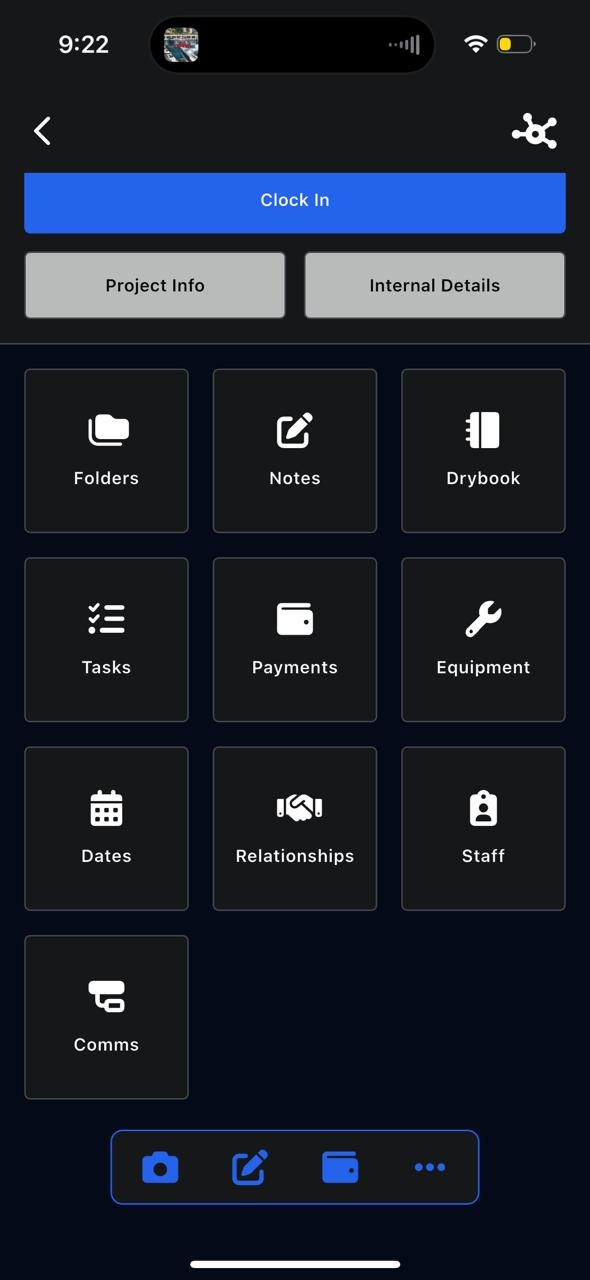
Inside each project, there are 10 main sections that let you manage every part of the job.
Click on Notes
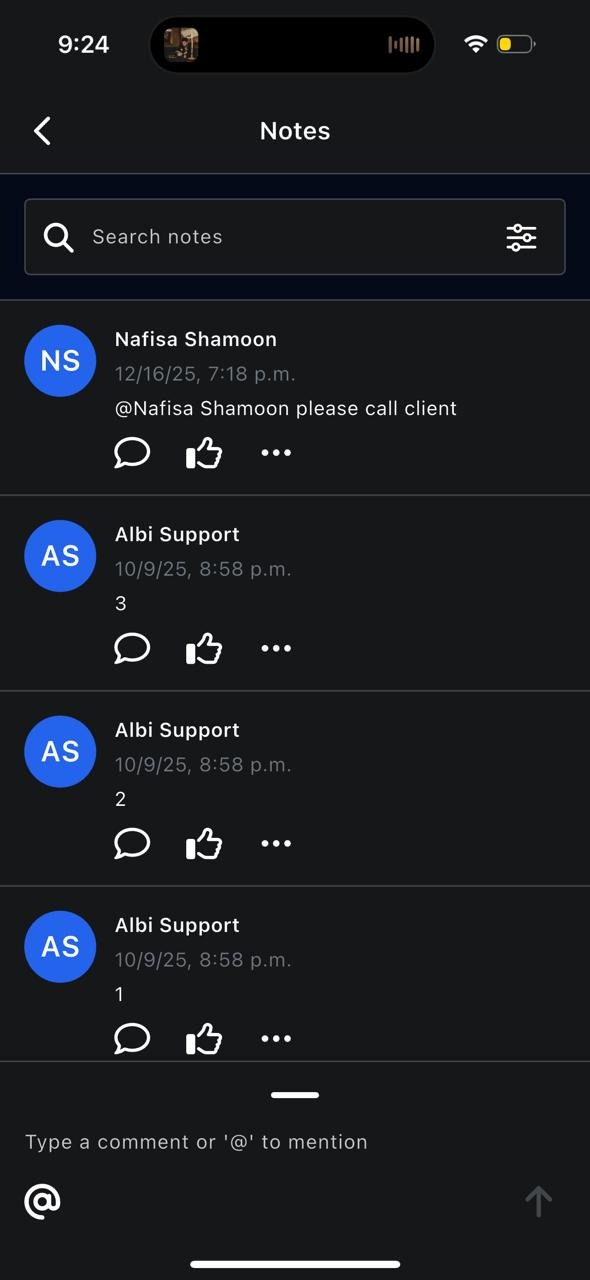
The Notes section allows you to:
- View all notes related to the project
- Search notes
- Create new notes
You can:
- Write updates or reminders
- Use @mentions to tag other users
- Notify team members of important information
Notes help keep communication centralized within the project.