
Projects with Status = Closed
Projects will appear in the Closed column when:
-
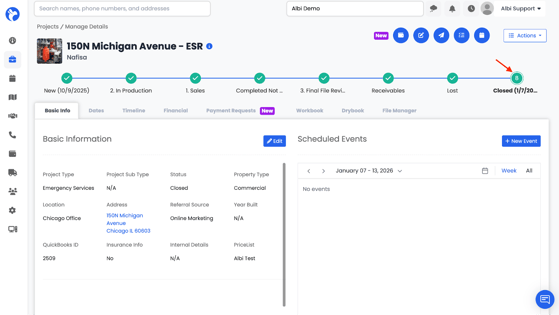
The Project Status is set to Closed
-
This status can be seen when you open a project and view the Project Status field
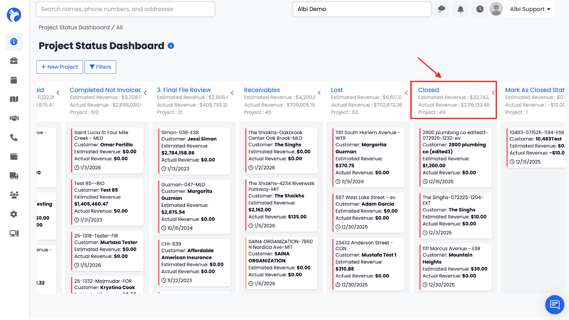
These projects are considered status-closed and are included in the Status Overview Dashboard’s Closed column.
Projects Manually Marked as Closed
Projects that are closed using the Actions button (for example, selecting Mark as Closed) behave differently.
-
This action manually closes the project
-
It does not change the project’s status to Closed
-
Because the status remains unchanged, these projects do not appear in the Closed column on the Status Overview Dashboard
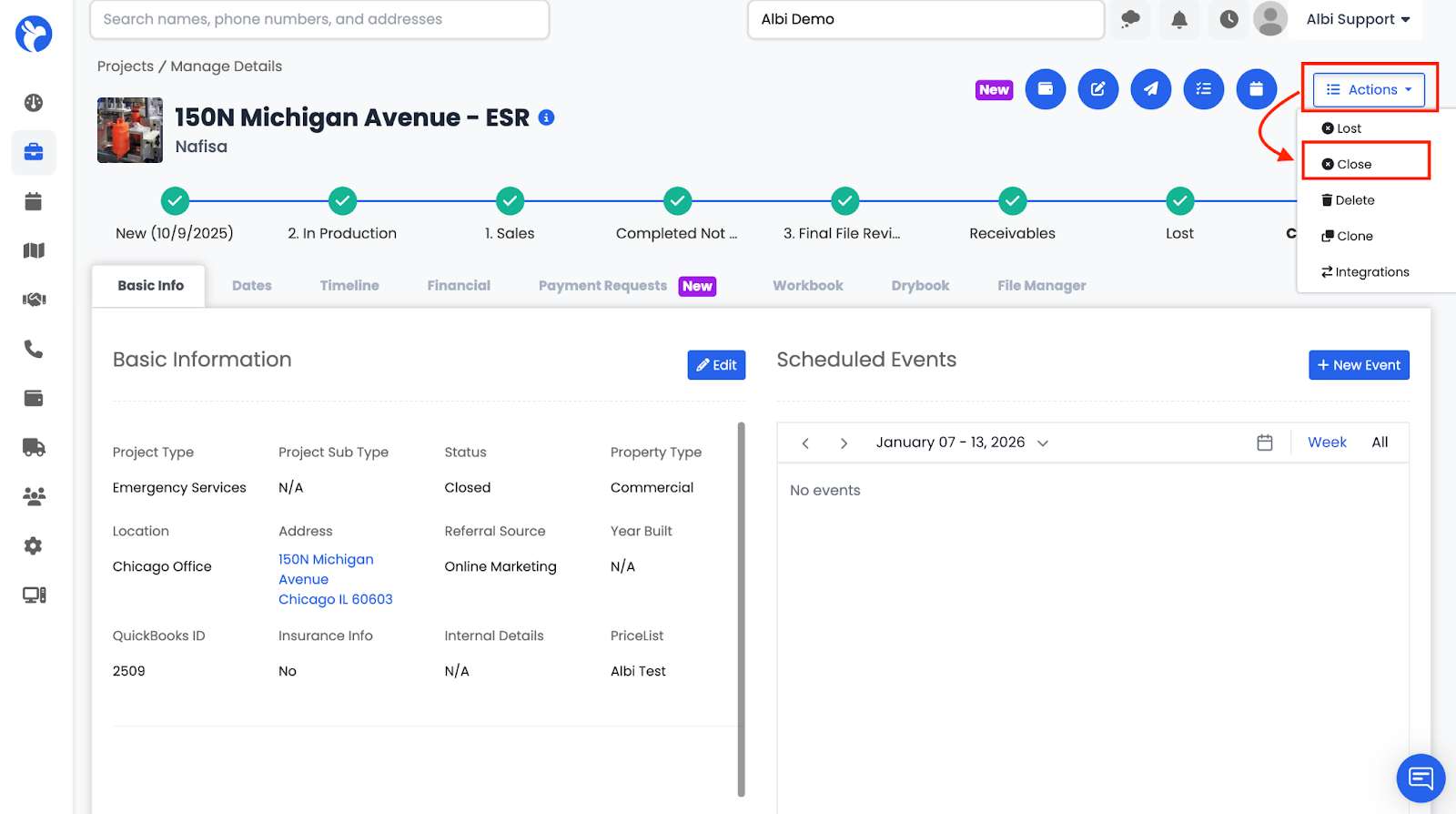
Marked Closed
If the “Mark Close” checkbox is selected for a particular status, then when a project reaches that status, Albi will automatically mark the project as Closed.
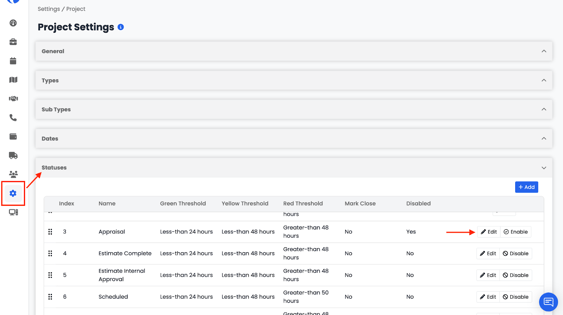
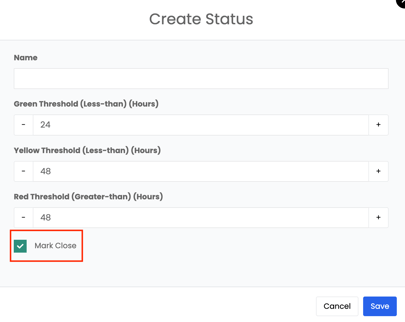
This helps streamline workflows and ensures projects are closed consistently based on your defined status progression.