
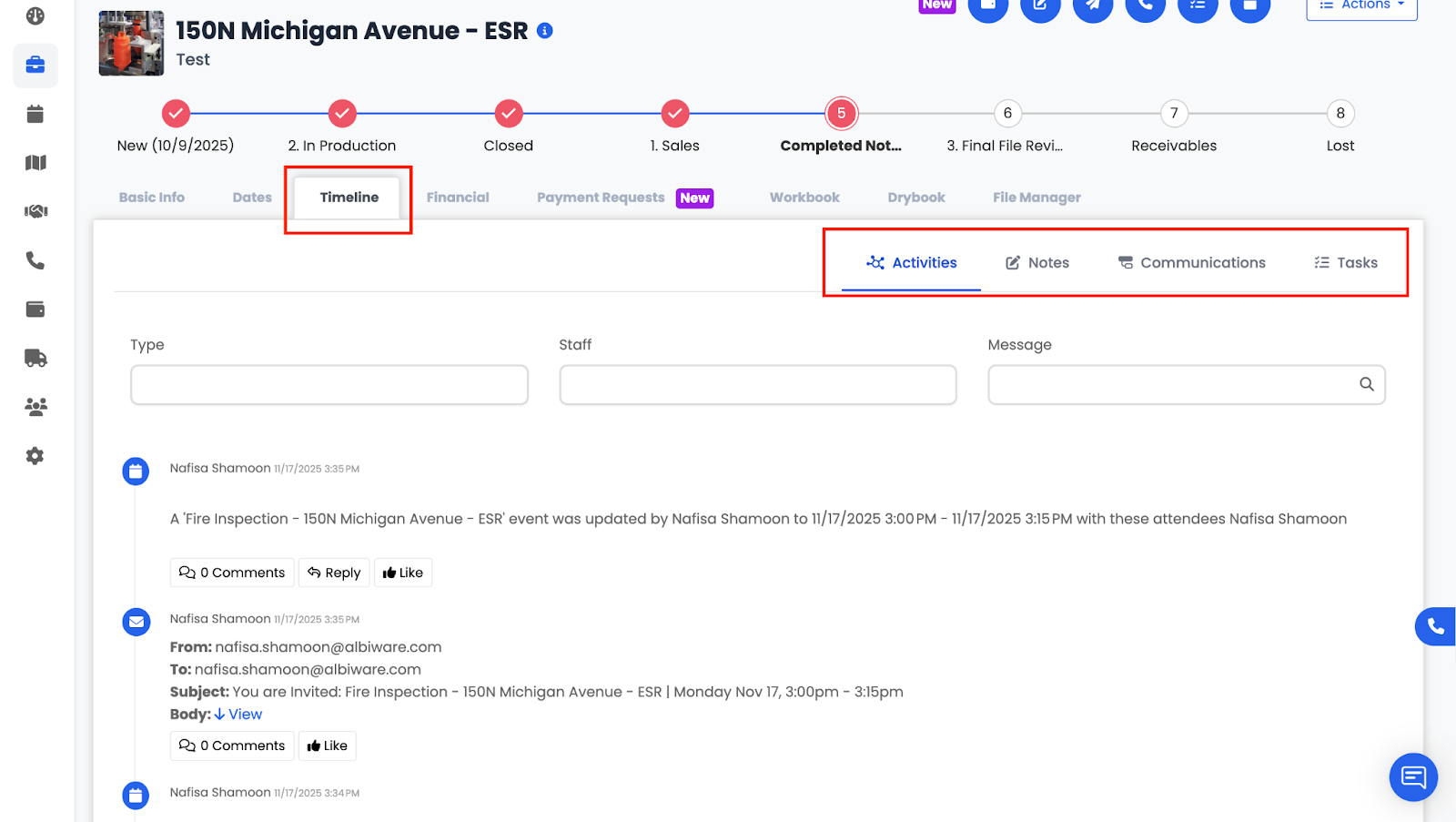
The Timeline tab gives you a complete, chronological view of everything happening on a project. It consolidates all activity logs, notes, communication, and tasks so your team can easily track progress and stay organized throughout the project lifecycle.
The Timeline is separated into four parts:
- Activities
- Notes
- Communication
- Tasks
Activities
The Activities section logs all automatic and system-generated actions that occur on the project.
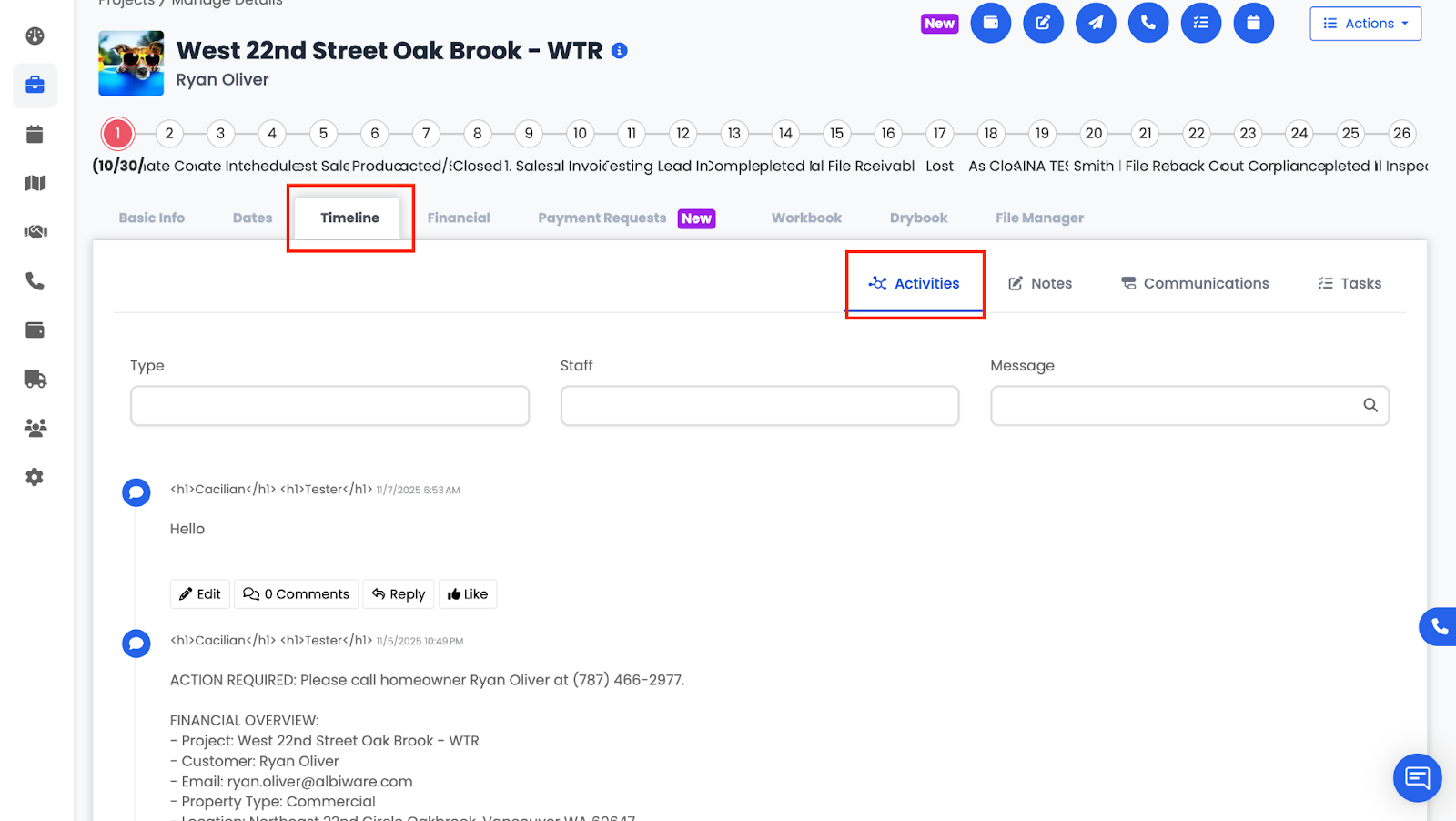
This includes updates that Albi records in the background so your team can see the full history of what has happened.
Activities include:
- Emails sent
- Project status changes
- Progress updates
- Invoices or estimates created
- Files added or modified
- Tasks completed
This section acts as a detailed audit trail for everything happening within the project.