
The File Manager is where all files related to a project are stored and managed, including documents, images, videos, reports, and signed files. From here, you can upload files, organize them into folders, manage versions, restrict, send documents for signature, generate project reports, and sync files from integrations.
How to Access the File Manager
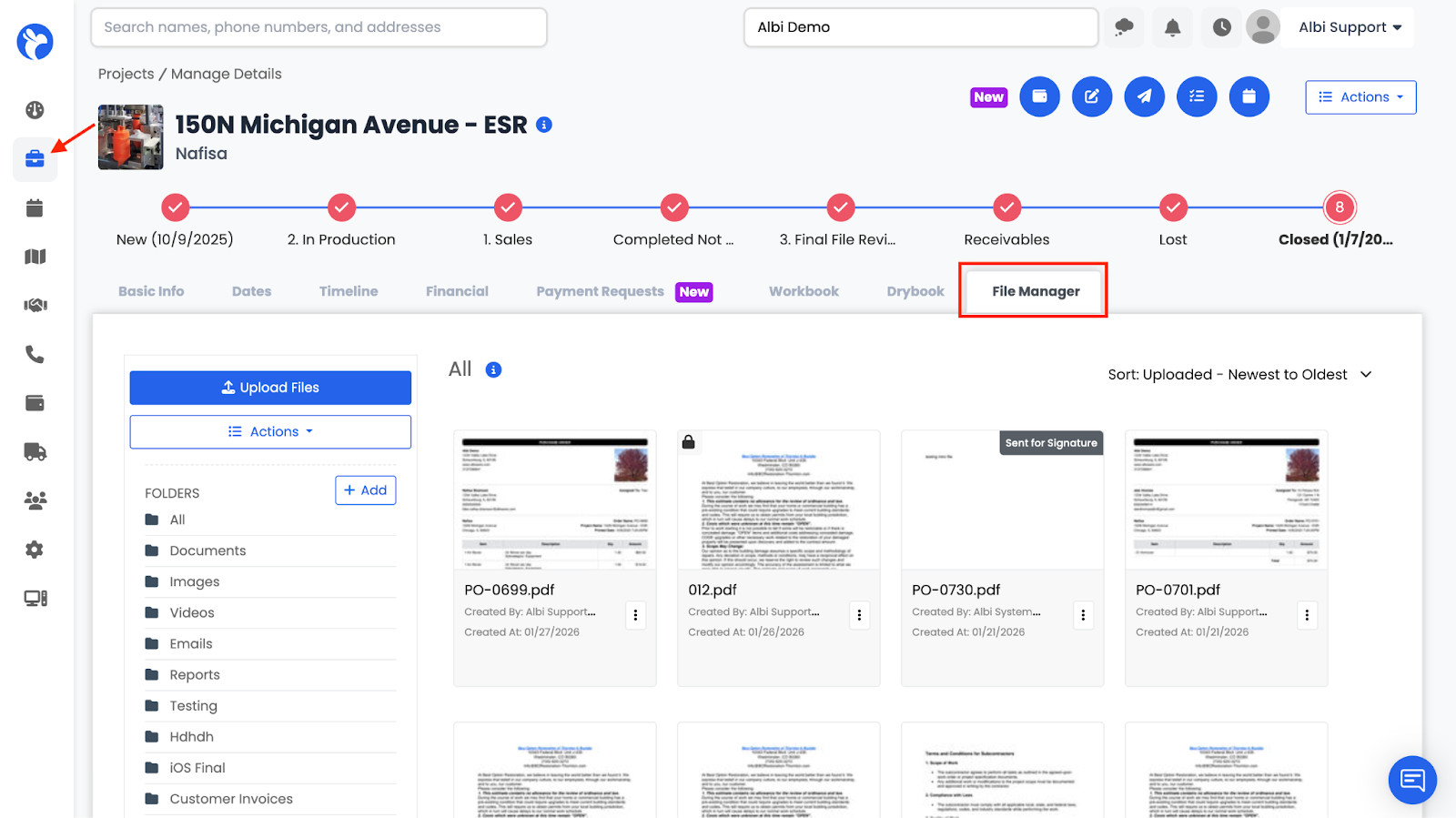
To access the File Manager:
- Go to Projects
- Open a specific project
- Click the File Manager tab
When the File Manager opens, it defaults to the All view, showing every file associated with the project across all folders. Files are displayed from newest to oldest by default.