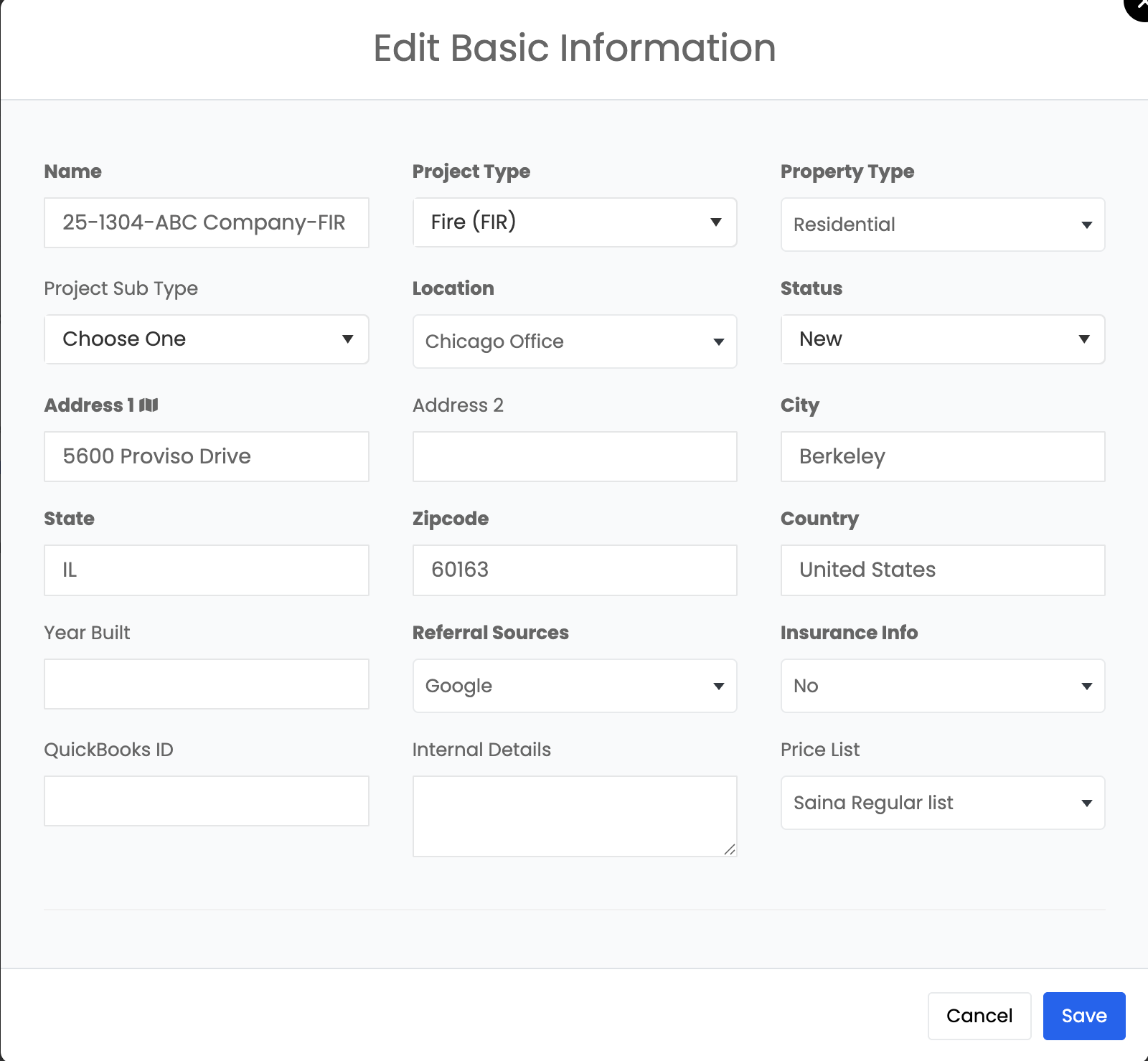
Basic Information Tab
When you open any project in Albiware, the Basic Information tab is the first section you’ll see. This tab contains the core details of the project and provides quick access to several project-level actions.
Overview of Basic Information
In this section, you can view and update the project’s essential details, including: Project Name, Address & Location, Property Type, Project Type & Subtype, and Price List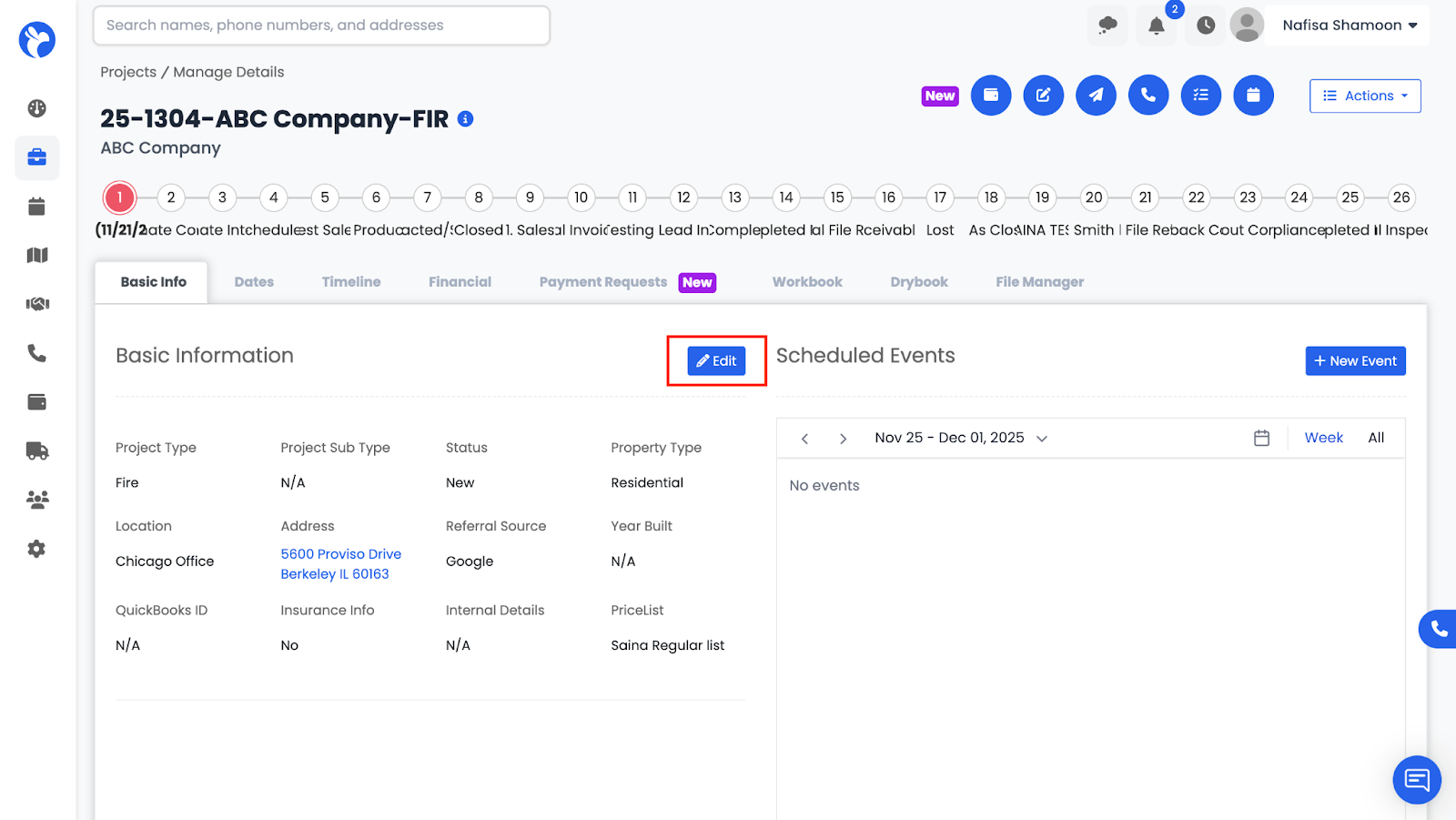
All required fields can be edited by clicking the Edit button, allowing you to keep project information accurate as things change.