
Subtypes
The Subtypes tab under Project Settings allows you to create more specific categories within each project type. This helps further define and organize your projects for better tracking and reporting.
For example, under the project type Water Mitigation, you can create subtypes such as: CAT 1, CAT 2, CAT 3
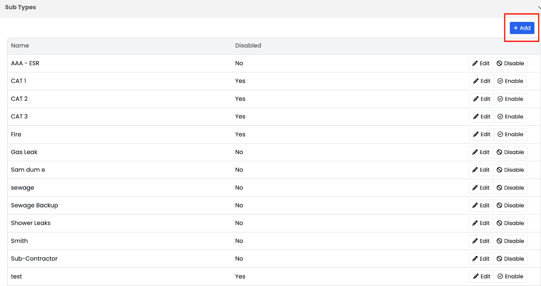
To add a new type, click the Add button on the right-hand side of the screen.
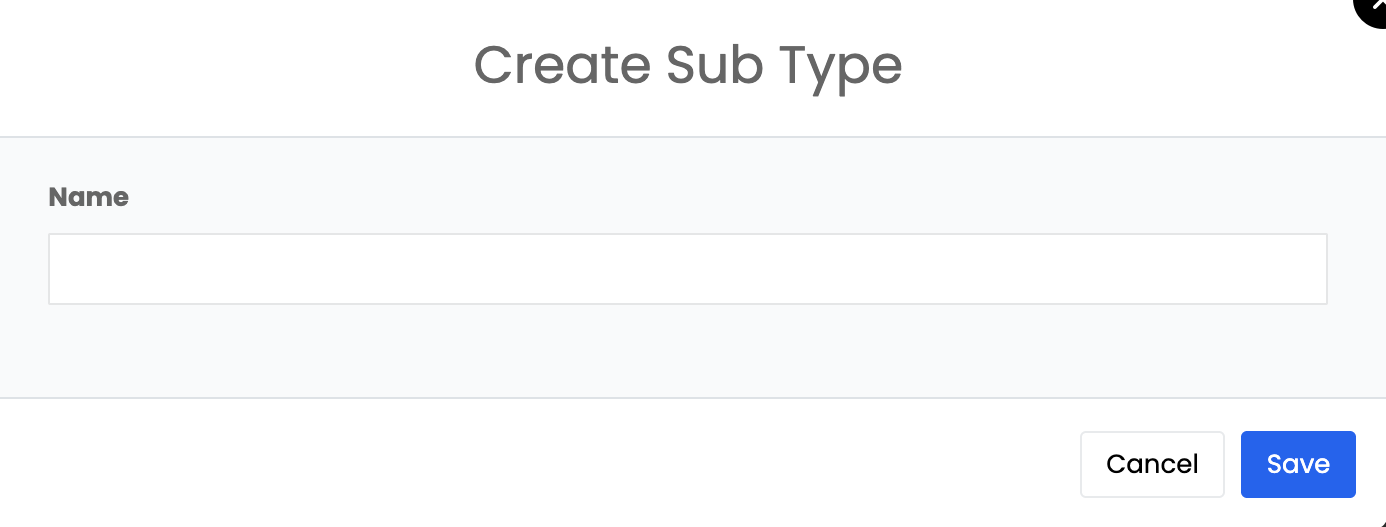
Subtypes give your team more clarity when classifying projects, ensuring each job is categorized accurately based on its scope or severity.
You can also enable or disable subtypes at any time, depending on your company’s current workflow or service offerings.