
The Relationships section in the Albi mobile app is used to manage people and companies connected to your work. It stores and organizes Organizations and Contacts, allowing you to track relationships, communication, and project involvement in one place.
Relationships are accessed from the side menu (hamburger menu).
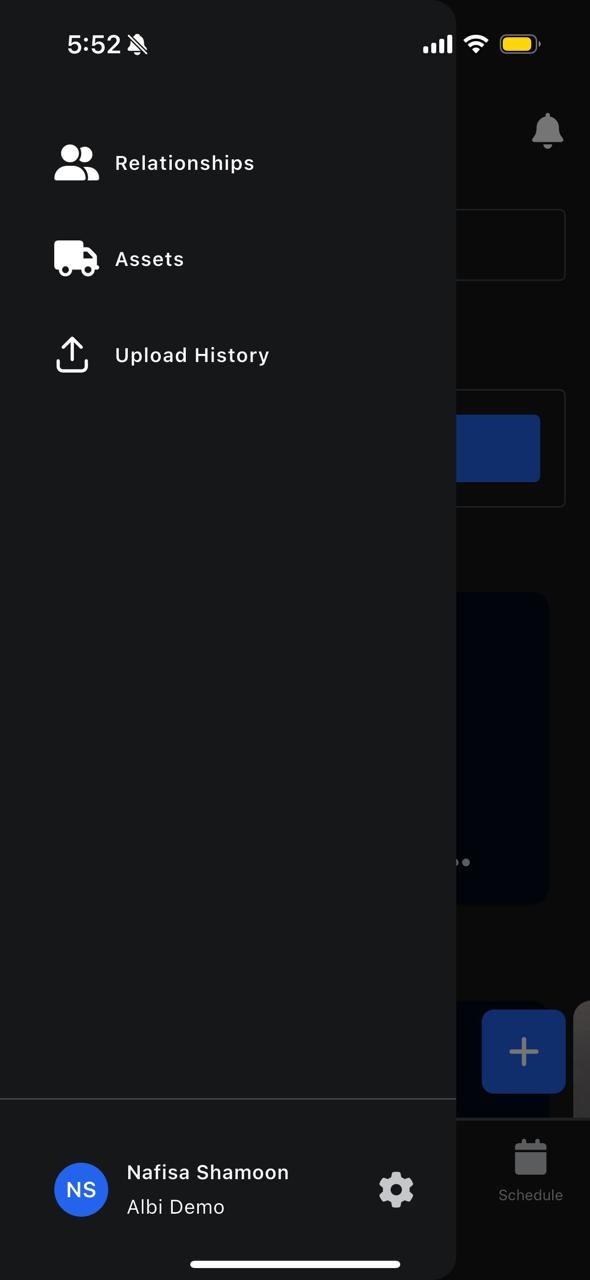
What Are Relationships?
Relationships represent the external and internal parties involved in your projects, such as: Customers, Vendors, Referrers, Partners,Individual contacts
Relationships are divided into:
- Organizations
- Contacts
What Is a Contact?
A Contact is an individual person connected to your work. Examples include:
- Homeowners, Property managers, Adjusters, Vendor representatives
Accessing Contacts
- Open the side menu
- Tap Relationships
- Select Contacts
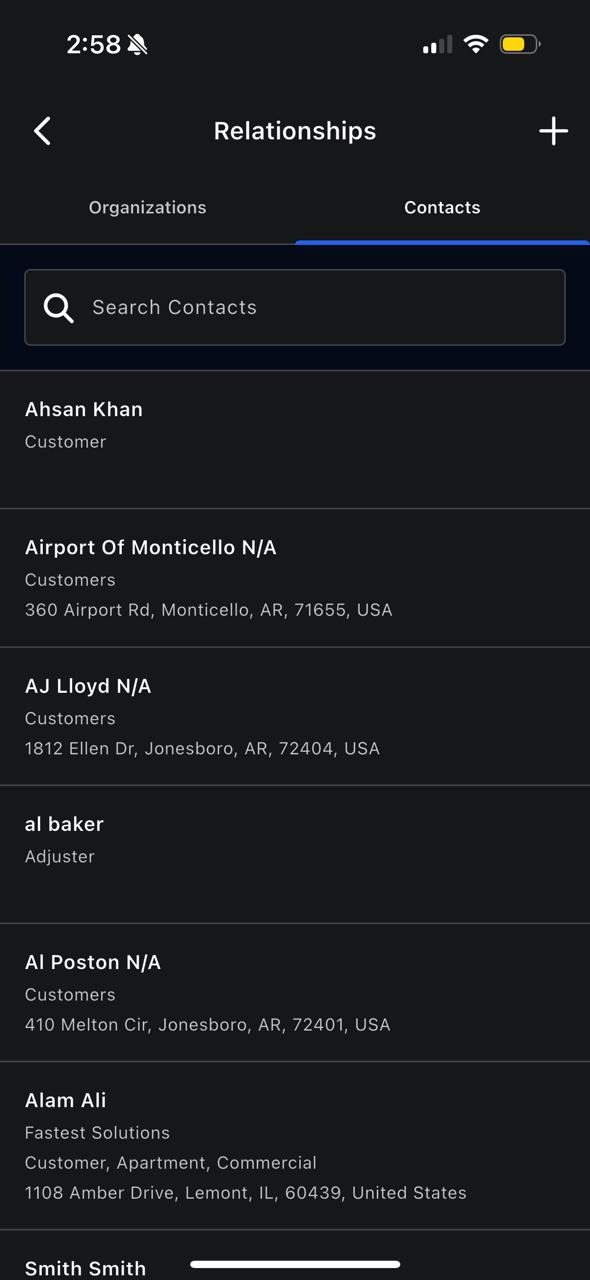
This displays a list of all contacts in the system.
Contact Profile Features
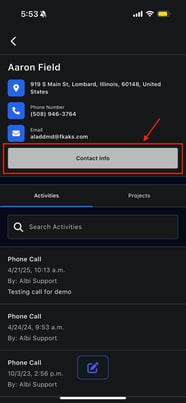
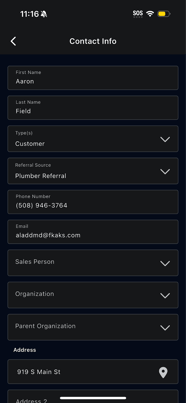
When you open a contact, you can:
- View full contact details
- Edit contact information
- View linked organizations
- See projects associated with the contact
- View and add activities
Activities for Contacts
Contacts have their own activity history, similar to organizations.
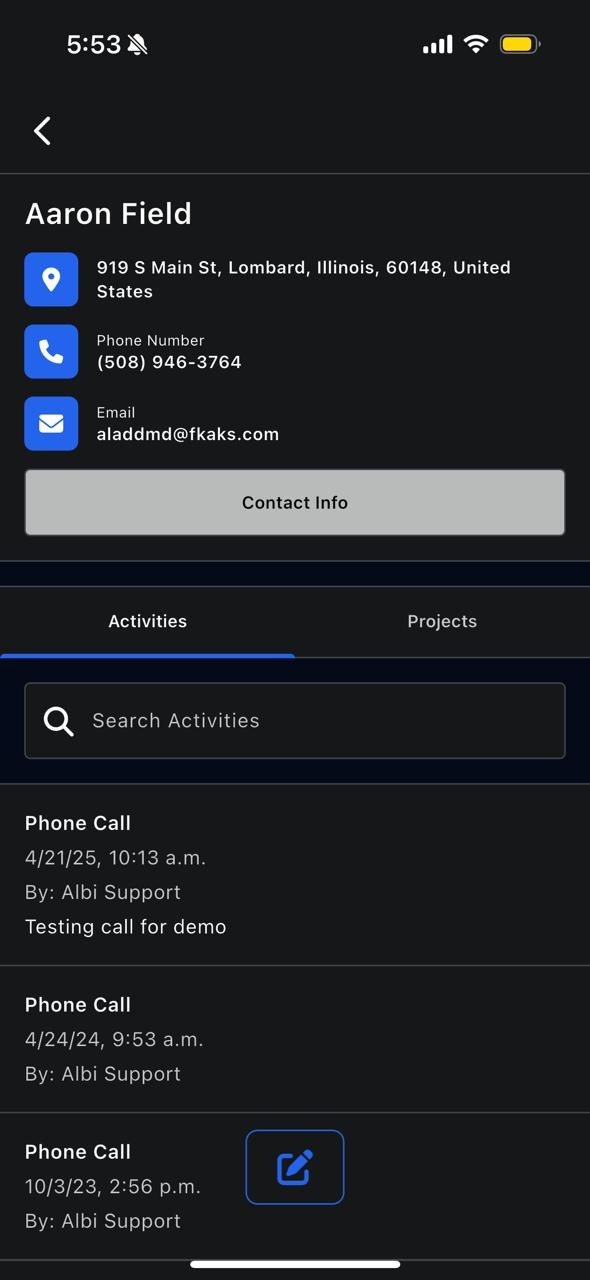
You can:
- View past interactions
- Add new activities (calls, notes, follow-ups)
- Maintain a clear communication record
Projects Linked to Contacts
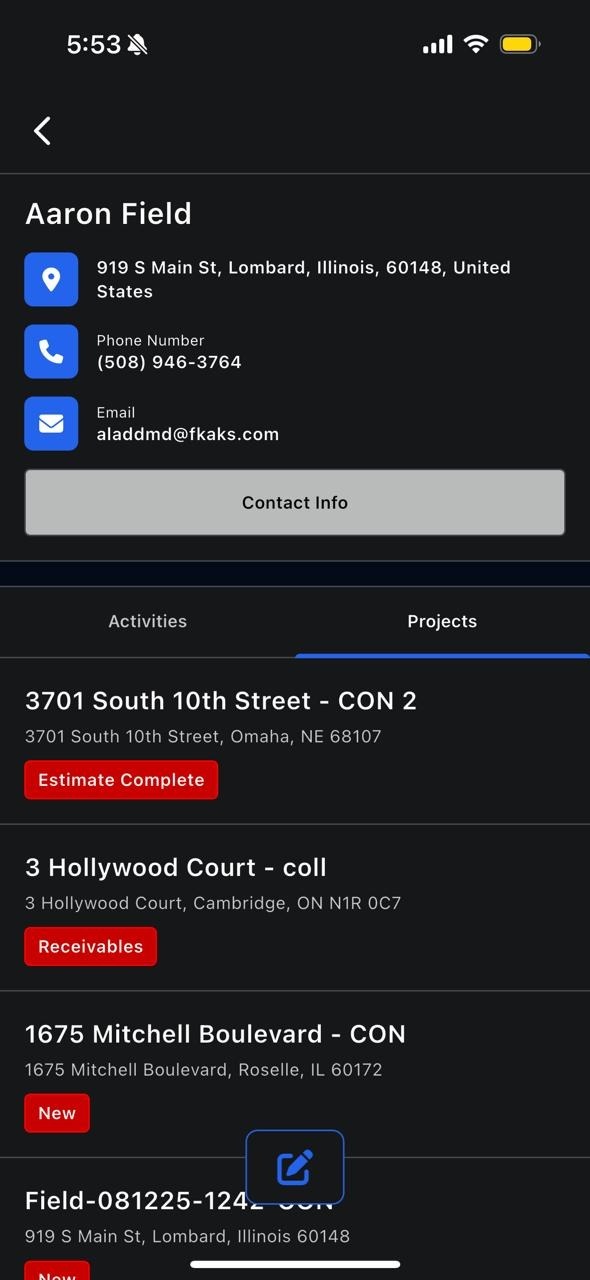
The Projects section shows:
- All projects associated with the contact
This helps you quickly understand their involvement across jobs.