
New to pushing floor plans into Xactimate? This article covers the mobile app only. For the complete guide — what happens during a push, importing your plans into Xactimate, how your drawings convert, and full troubleshooting — see Push Floor Plans from Albi to Xactimate (XM8)
Before you start
The Xactimate push panel appears on a project's Floor plans page in the mobile app. For it to show up, your company needs to be integrated with Xactimate and have floor plan push enabled. If you don't see it and think you should, contact Albi Support.
Pushing a floor plan on mobile
- Open the project and go to its Floor plans page.
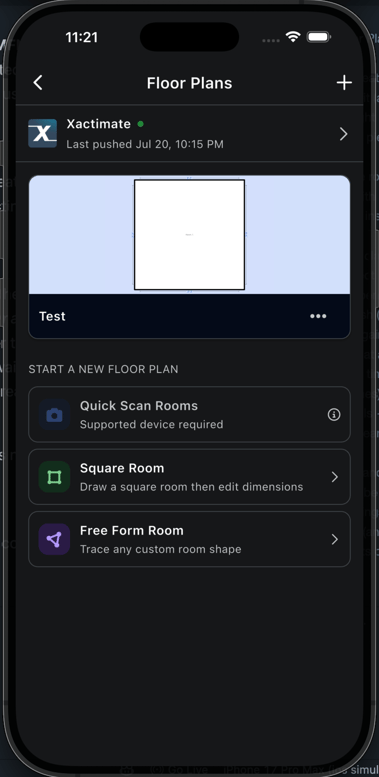
- Open the Xactimate push panel.
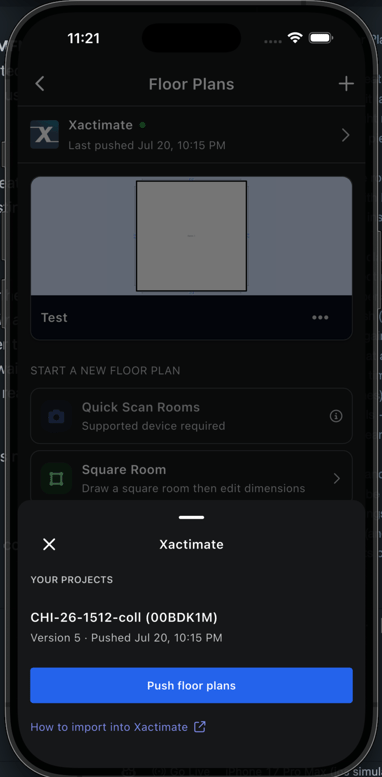
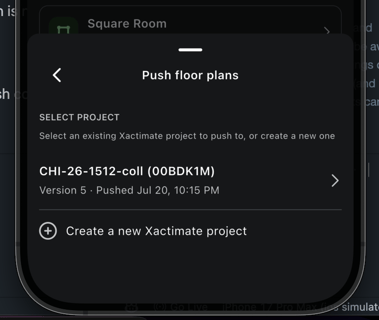
- Choose where the plans go:
- Push into an existing Xactimate project — select the project from your list.
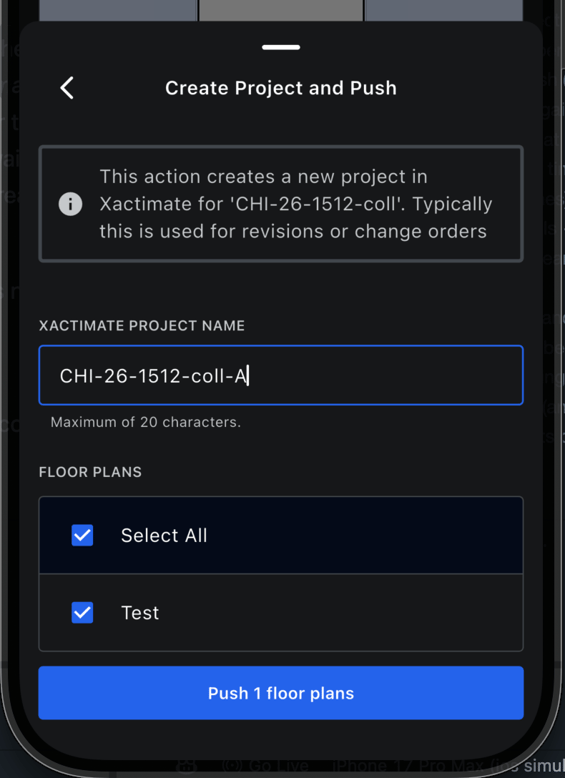
- Create a new Xactimate project — give it a name (up to 20 characters), then push.
- Select the floor plans you want to send and confirm the push.
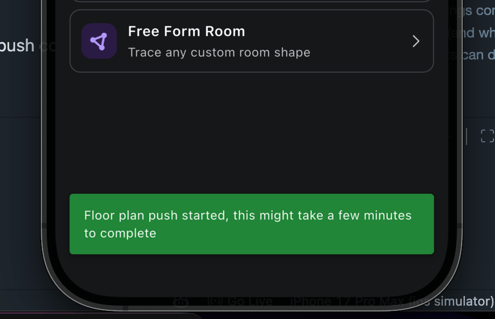
- The app confirms that your push has been queued — it runs in the background from there.
What's different from the web app
The mobile push does the same job, but the panel is simpler:
- No version history and no live step-by-step status. On the web, you can watch each stage (prepare, link, upload) as it happens; on mobile, you get a confirmation that the push was queued and the work continues in the background.
- Everything else is the same. The push still gets a version number, still runs one at a time per project, and still lands in the same Xactimate project.
If you need to watch a push progress step by step, check its version history, or review past pushes, open the project in the web app — see the full guide.
After you push
Importing the plans, understanding the push stages, and how your Albi drawings convert into a Xactimate sketch all work the same regardless of where you pushed from. Those are covered in the main guide: