
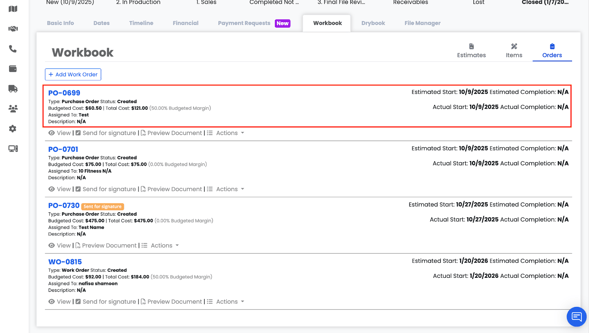
From the Purchase Order summary view, you can see:
- Purchase Order type
- Status
- Budgeted Cost
- Total Cost
- Budgeted Margin (Budgeted Percentage)
- Assigned To
- Description (if added)
- Estimated Start Date
- Estimated Completion Date
- Actual Start Date
- Actual Completion Date
Note: Date fields appear only if they have been filled in.
You can also access:
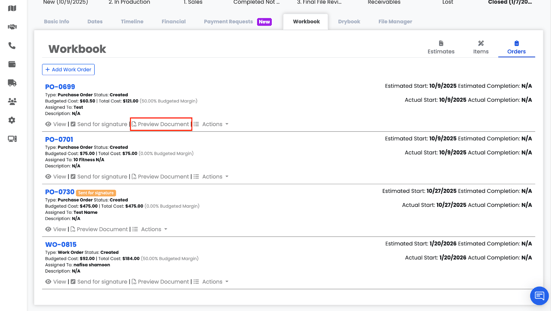
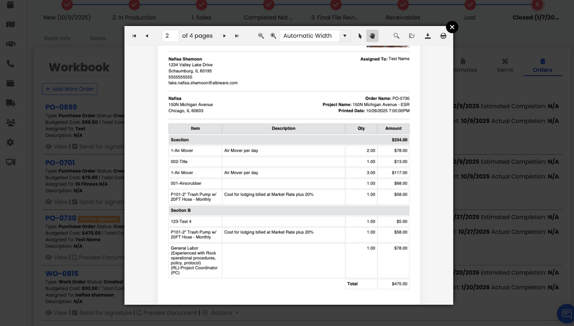
- Preview
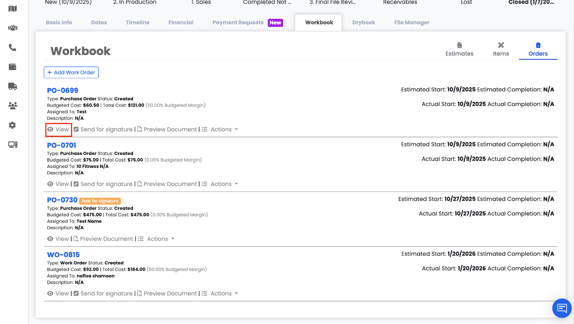
- View
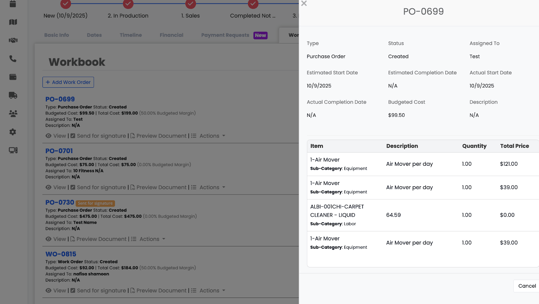
- Send for Signature
To learn more about the Signature Editor, click here and scroll down to the “Signature Editor” section.
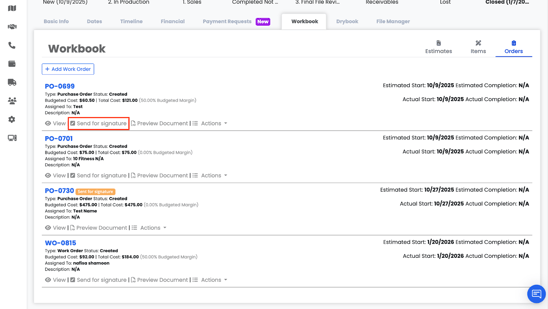
- Actions menu (Edit, Delete, Signature Details)
-png.png?width=565&height=285&name=Screenshot%202026-03-30%20at%204-47-21%E2%80%AFPM%20(2)-png.png)