
What are Visits?
Visits represent each time a technician attends the site.

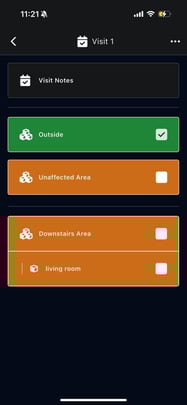
Examples:
- Initial Visit
- Daily monitoring visits
- Follow-up visits
Each visit captures a snapshot of site conditions at that time.
Inside a Visit
For each visit, you can:
- Add visit notes
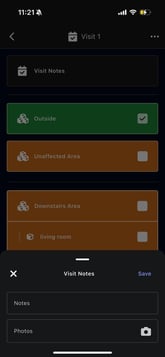
- Select which chambers and rooms were inspected
- Attach photos
- Record observations
This ensures consistent documentation across multiple site visits.