
The Communication section contains all emails and phone calls from the project.
This is where you can manage direct communication with customers, adjusters, vendors, or any contacts linked to the project.
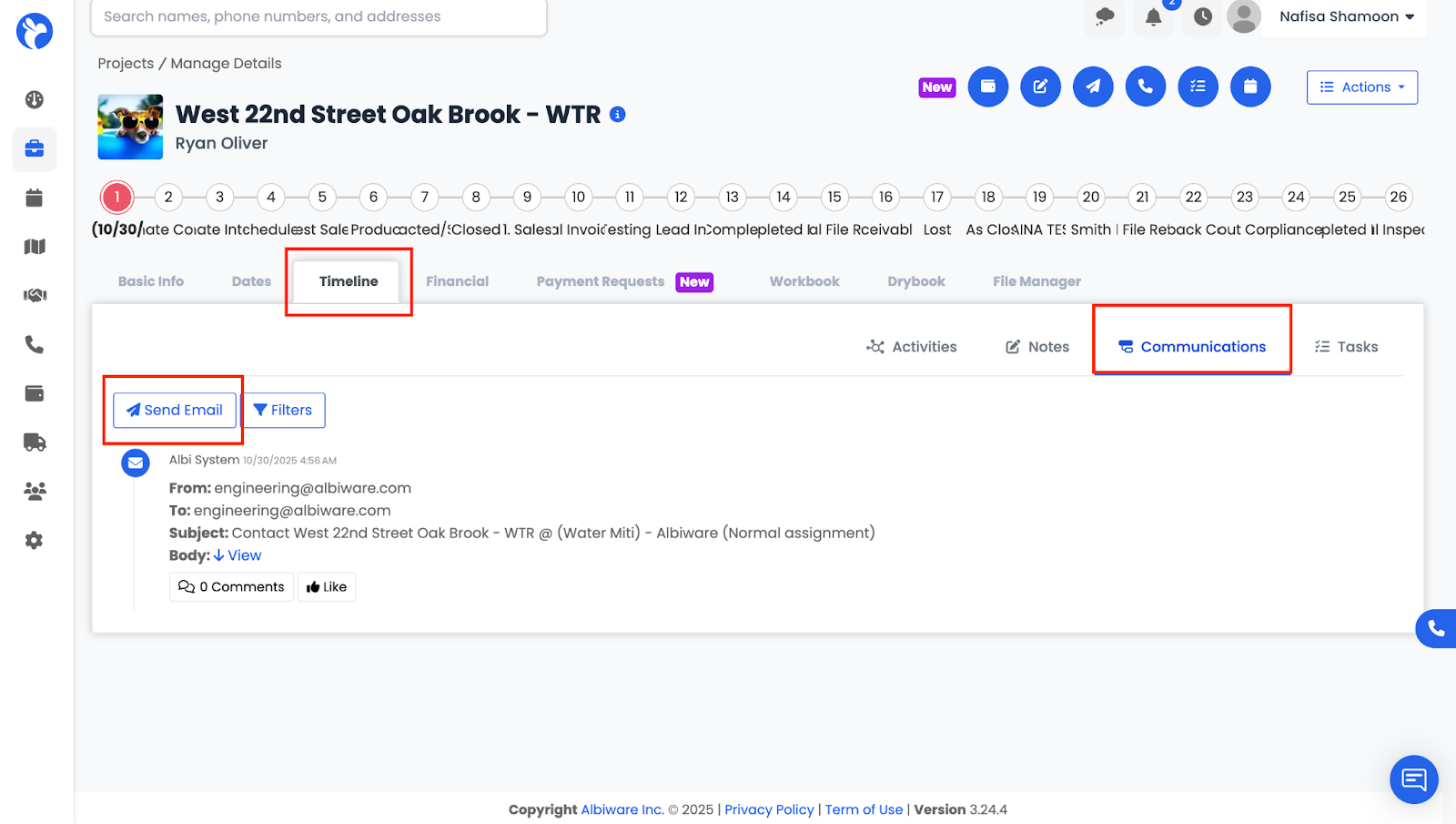
In this tab, you can:
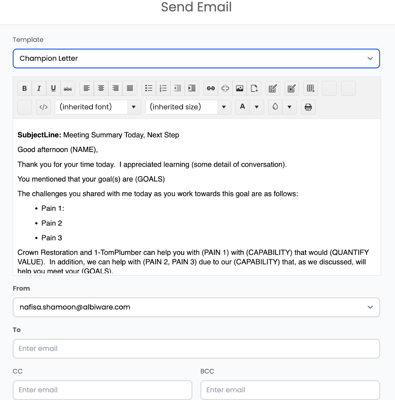
- Send emails directly from the project
- Use Templates to insert pre-written content
- See a full list of all sent communications
- Track outgoing message history for transparency
This helps ensure all communication stays documented and easily accessible.