Roles
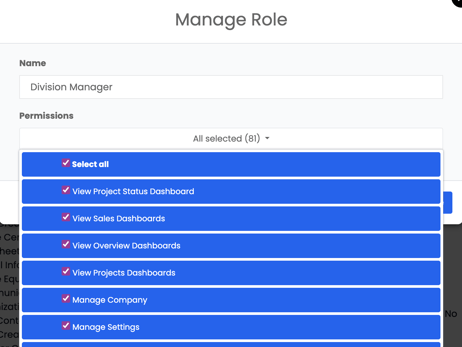
The Roles tab defines the different access levels and permissions available for each staff role within Albi. This controls what each staff member can view, edit, or manage in the software.
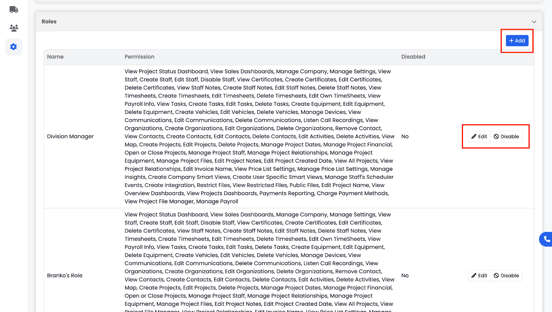
For example:
- A Division Manager can view and edit project dashboards, manage company settings, and delete staff notes.
- An Estimator might only be able to edit project names and view staff dashboards.
- A Consultant could have limited access to view specific projects but not make edits.
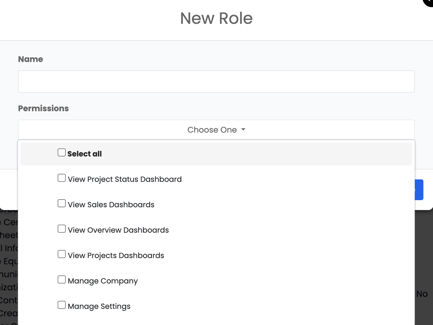
You can add, edit, or disable roles from the top-right corner using the Add (+) button. This helps maintain clear access control and data security across your organization.