
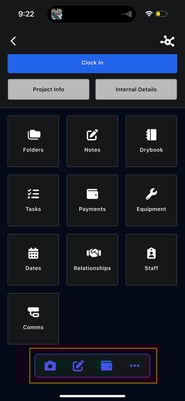
At the bottom of the project screen, you’ll find quick-access icons that allow you to:
- 📷 Attach photos or videos directly to the project -
- 💳 Access Albi Pay to request payments
- ✏️ Create notes
- More actions, including:
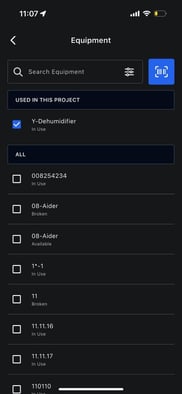
- Add equipment
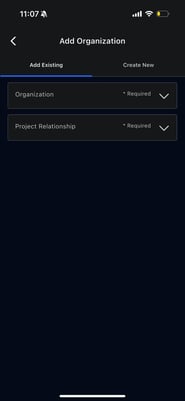
- Add organizations
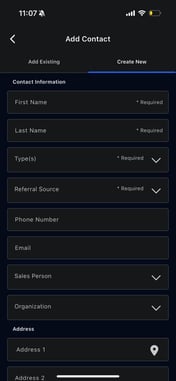
- Add contacts
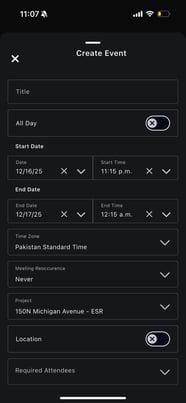
- Create events
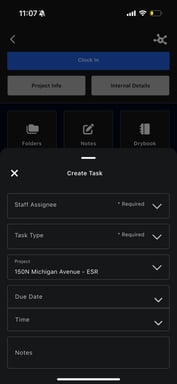
- Create tasks
- Add equipment
These shortcuts help you update projects quickly while in the field.