
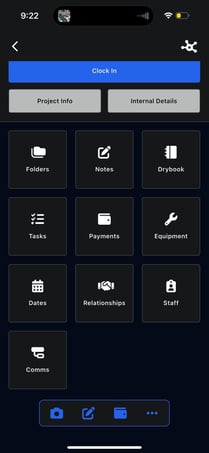
Inside each project, there are 10 main sections that let you manage every part of the job.
Project Activity Timeline
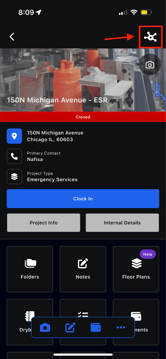
Click the Timeline icon in the top-right corner of a project to view all project activity in one place.
 .
.  .
. 
From this panel, you can:
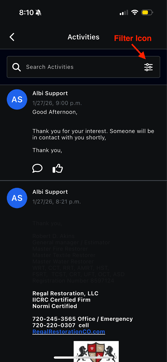
- View all timeline activities for the project
- Comment on timeline entries
- Search through project activity
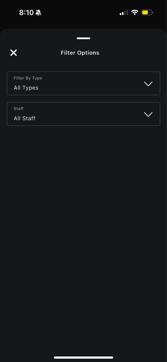
- Filter activities by type (e.g., created, staff added, equipment removed, notes)
- Filter activities by staff (all staff or select specific staff members)