
The Notifications feature in the Albi mobile app provides a centralized place to view and track important actions and updates across the system. Notifications help users stay informed about what is happening without needing to manually check each project, task, or event.
Notifications acts as a real-time activity log and notification center for your work.
What Are Notifications?
Notifications are records of actions that occur within Albi. These actions are automatically logged or manually created to document communication, updates, and system events.
Examples of activities include:
- Event creation or updates
- Task assignments or completions
- Clock in and clock out notifications
- System-generated updates
- Manually created activity logs (calls, notes, follow-ups)
How to Access Notifications
- Tap the bell icon at the top of the mobile app
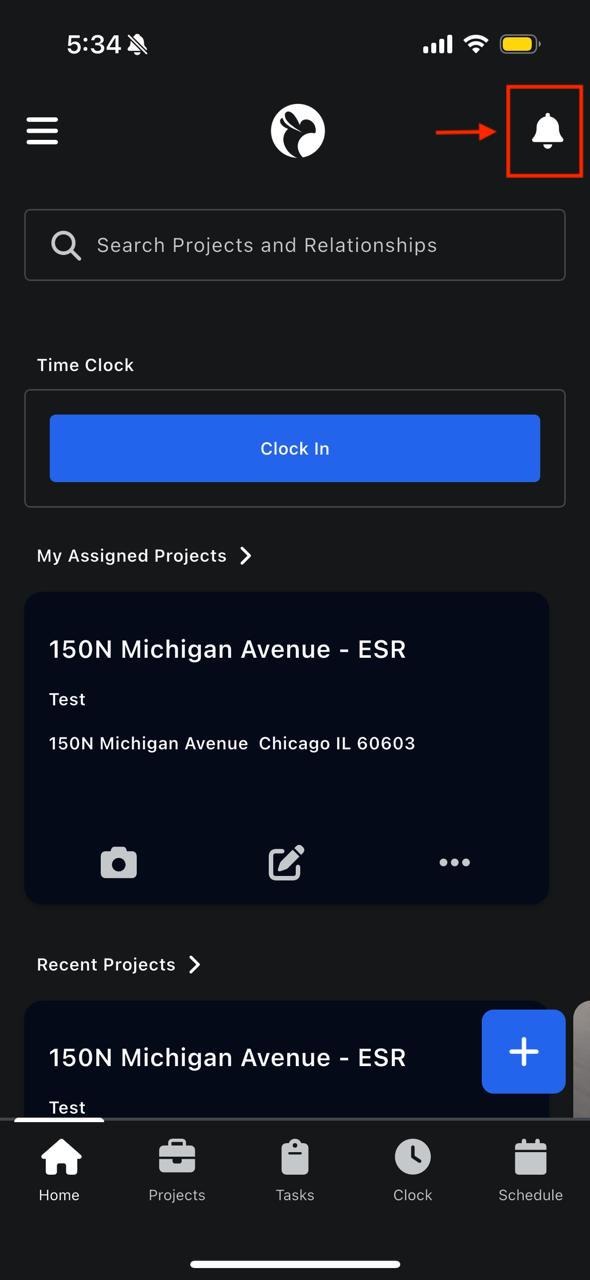
This opens the Notifications feed, which displays a chronological list of recent activities across the app.
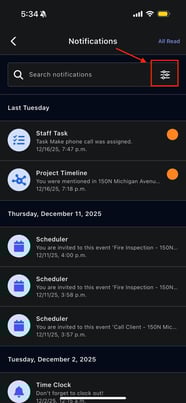
What You Can See in the Notifications Feed
The Activities feed may include:
- Event reminders or changes
- Task status updates
- Clock in, clock out, or break notifications
- Other system-related actions
Each activity shows:
- The type of action
- The related project, task, or event (if applicable)
- The time the activity occurred
Filtering Notifications
The Notifications feed can be filtered so you only see the information that matters to you.
How to Filter Notifications
- Open the Notifications screen
- Tap the filter icon
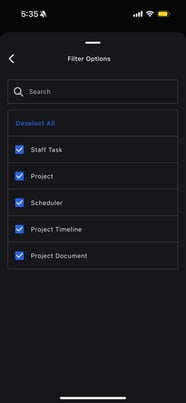
4. Apply the filters