
Inside each project, there are 10 main sections that let you manage every part of the job.
Click on Comms (Communications)
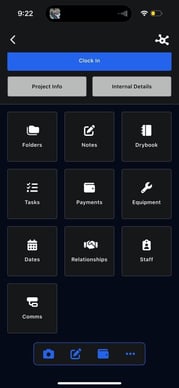
The Communications section contains all communication-related activity for the project.
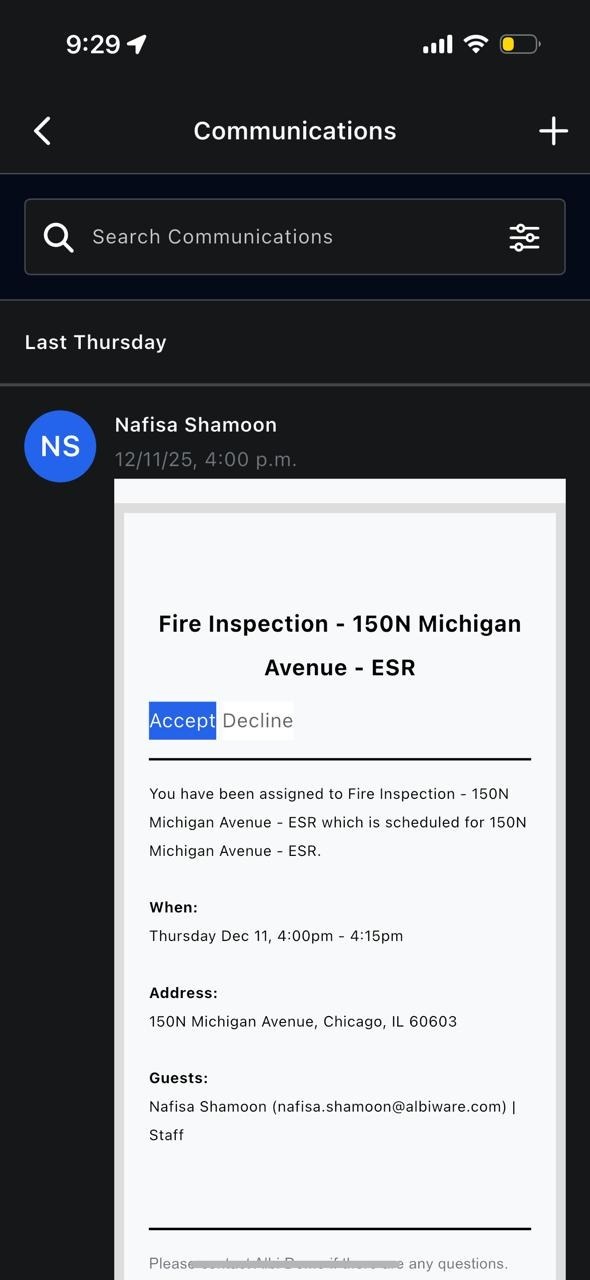
This includes:
- Scheduled events
- Email communications
- Activities related to the project
You can:
- View past communications
- Add new communications using the Add (+) button
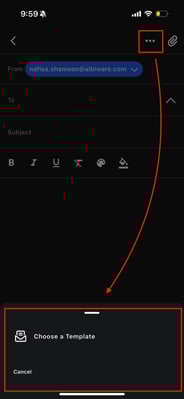
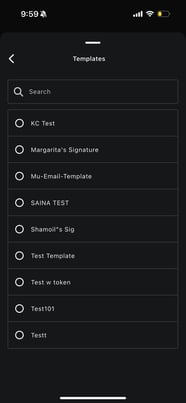
- Use templates (via the three-dot menu)
 .
. 
- Add attachments using the attachment icon
- Send emails or log activities
This keeps all project communication in one place.