
Template – Uploading Price List Items in Bulk
Albi allows you to upload price list items using a template spreadsheet.
Download Template
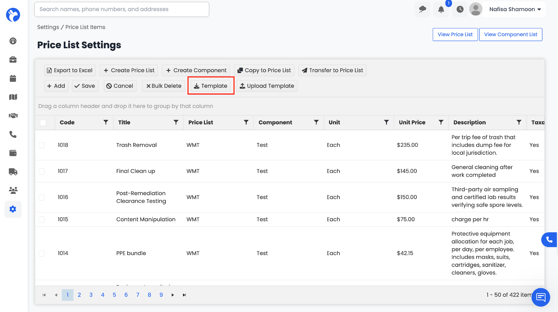
- Go to the Template section in Price Lists.
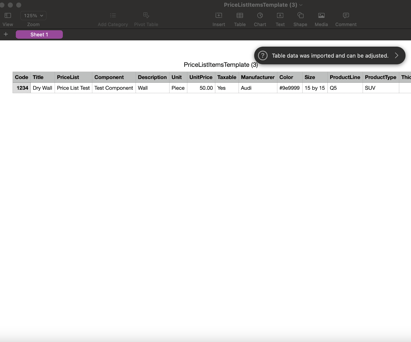
In the template, the following fields are required:
- Code, Title, Component, Unit, Unit Price, Description, Taxable (Yes/No)
This template must be filled correctly for the upload to work.
Upload Template
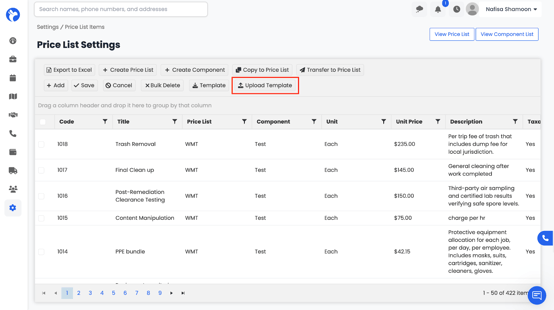
- Click Upload Template.
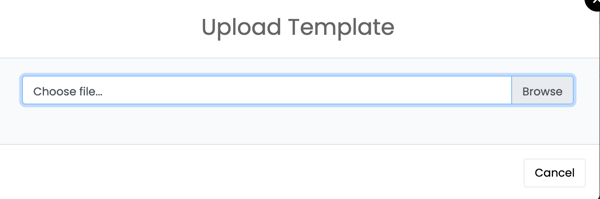
3. Click Upload.
All items in the file will automatically populate into your Price List Dashboard.