
How to Add a Company Logo
You can upload your company’s logo directly from the Company Settings page. This logo will appear throughout your Albi platform — including reports, templates, and client-facing documents — to help maintain consistent branding.
To add or update your company logo:
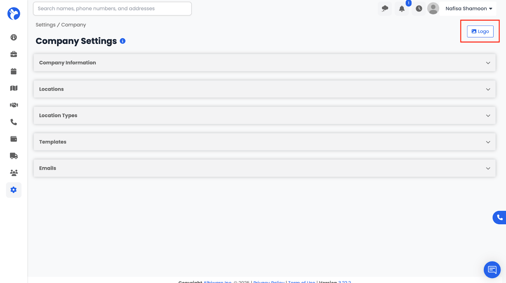
- Go to Settings → Company Settings.
- On the top-right corner of the page, click the Logo button.
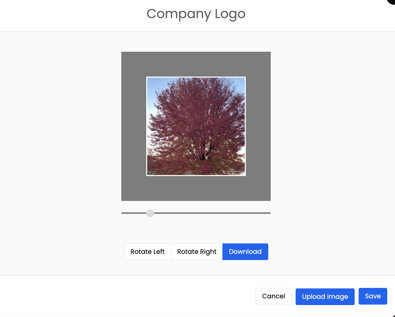
4. Choose your logo file (preferably a high-resolution PNG or JPG).
5. Click Save once the upload is complete.
Your logo will now automatically appear across your Albi account and in all company documents and templates.