
- Restricted files are visible only to users with the View Restricted Files permission.
- Un-restricted files are visible to all users on the project.
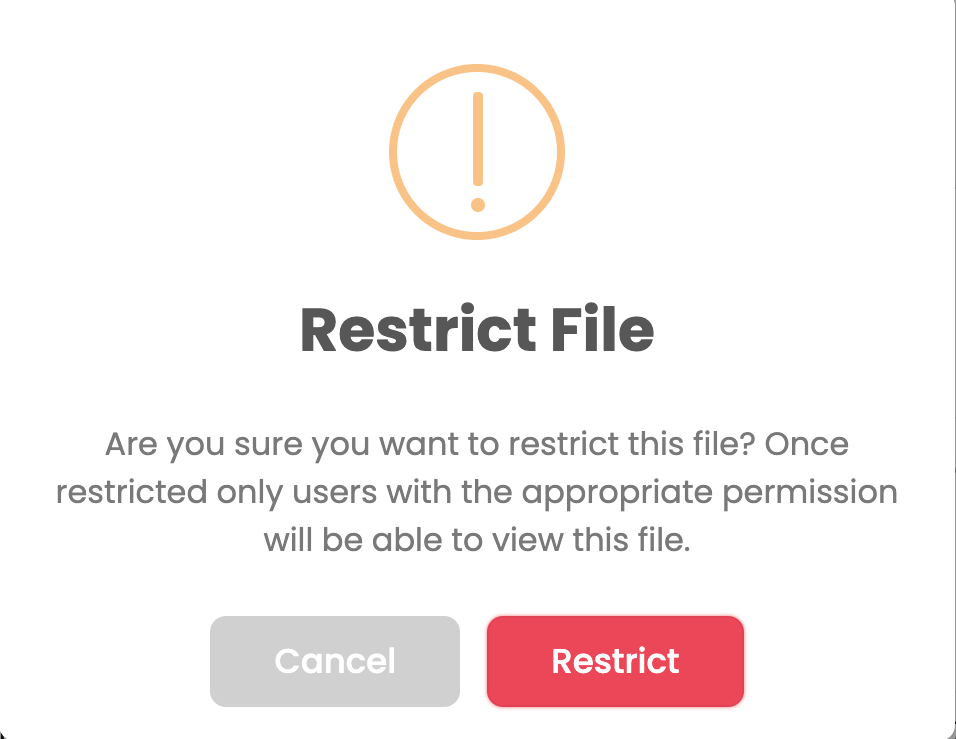
File access can be changed at any time.
To restrict or un-restrict a file from Project Settings:
- Go to Projects.
- Open the relevant Project Settings.
- Navigate to Files.
- Edit the specific file.
- Toggle Restricted ON to restrict the file, or OFF to make it unrestricted
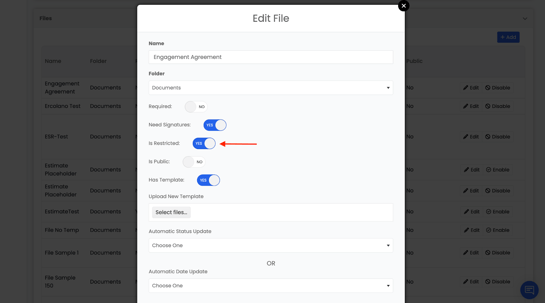
- Restricted files are visible only to users with View Restricted Files permission
- Unrestricted files are visible to all project users
This can be changed at any time and you can un-restrict files the same way.