Skip to content
  • There are no suggestions because the search field is empty.

How Do I Manage Work Orders in Albi?

This article explains how to manage Work Orders after they are created, including viewing, previewing, editing, deleting, and sending Work Orders for signature. It also covers how to convert a Work Order into a Purchase Order.

How to Manage Work Orders

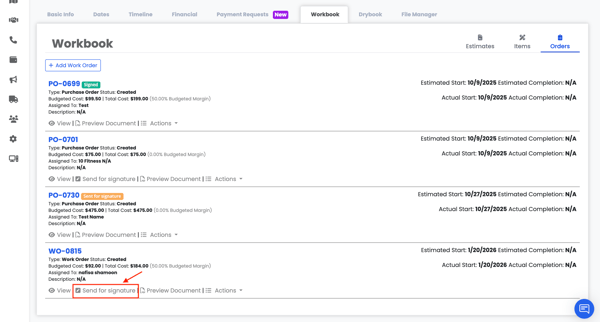
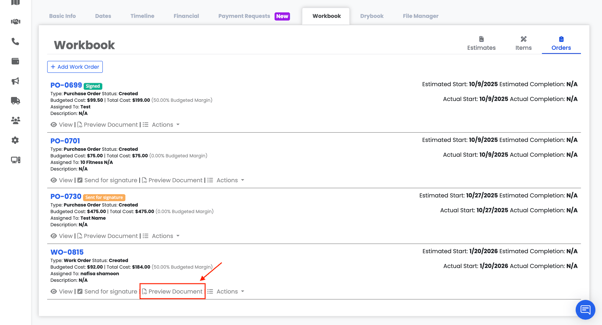
  • Send for Signature


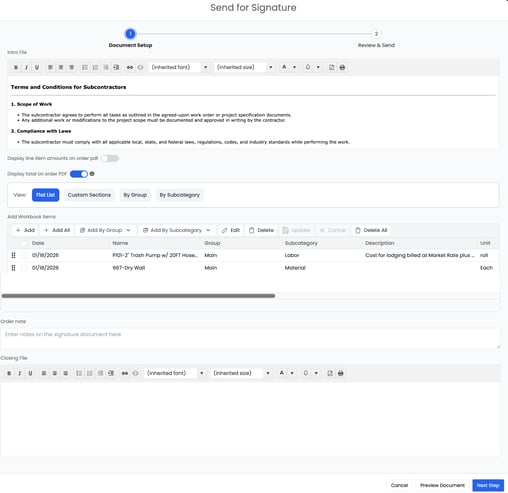
Fill in the required fields to Send for Signature
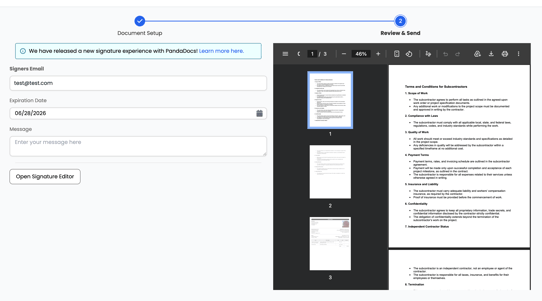
 

To learn more about the Signature Editor, click here and scroll down to the “Signature Editor” section.


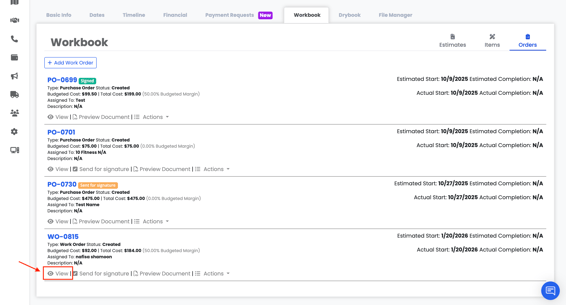
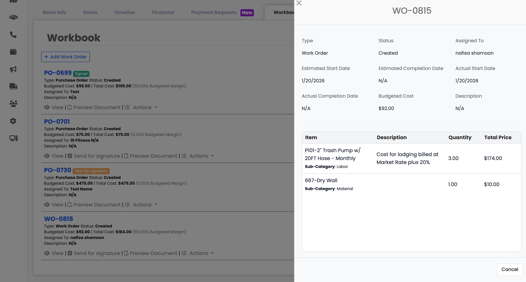
  • View


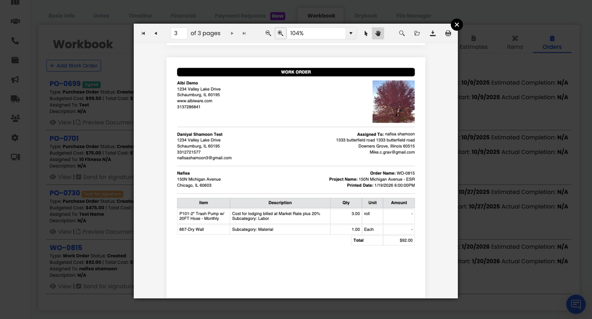
  • Preview Document


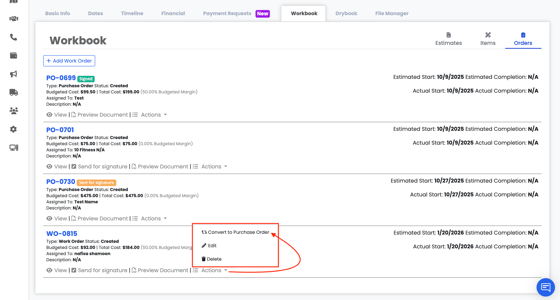
  • Access actions such as:
    • Edit 
    • Delete
    • Convert to Purchase Order