
Inside each project, there are 10 main sections that let you manage every part of the job.
Click on Staff
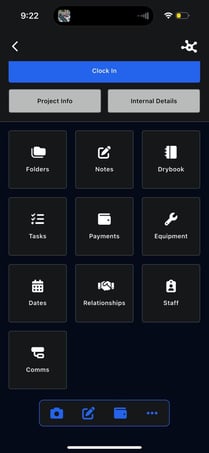
The Staff section shows which team members are assigned to the project.
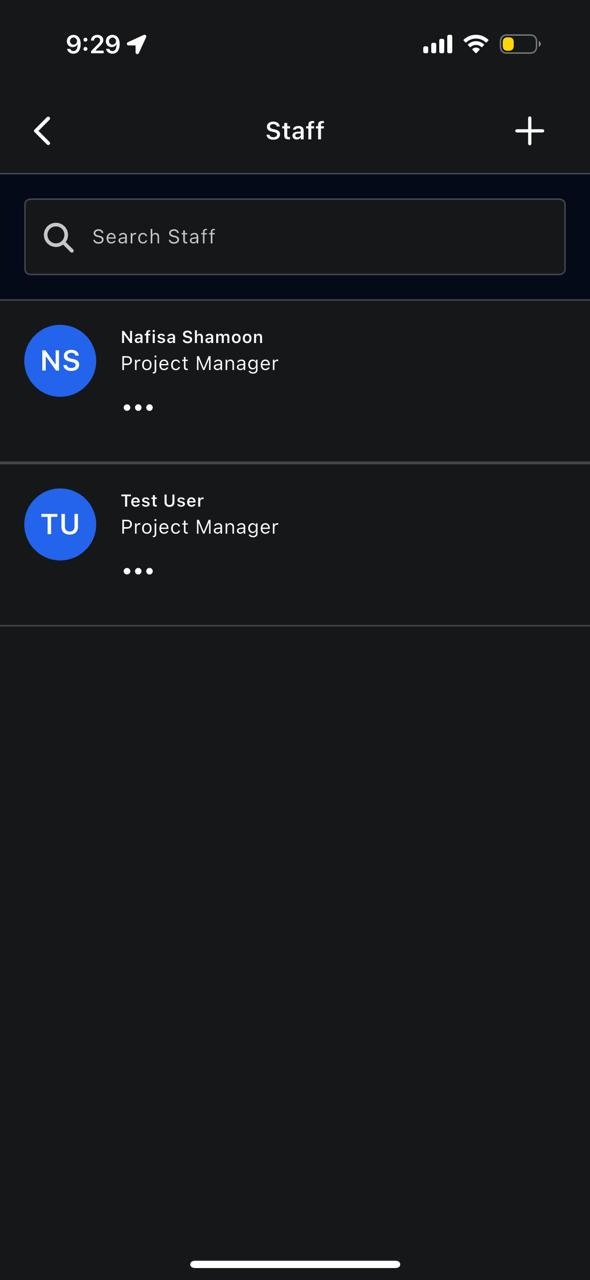
From here, you can:
- View assigned staff
- Add a staff member
- Assign project roles
This ensures everyone working on the project is properly listed.