
Inside each project, there are 10 main sections that let you manage every part of the job.
Click on Relationships
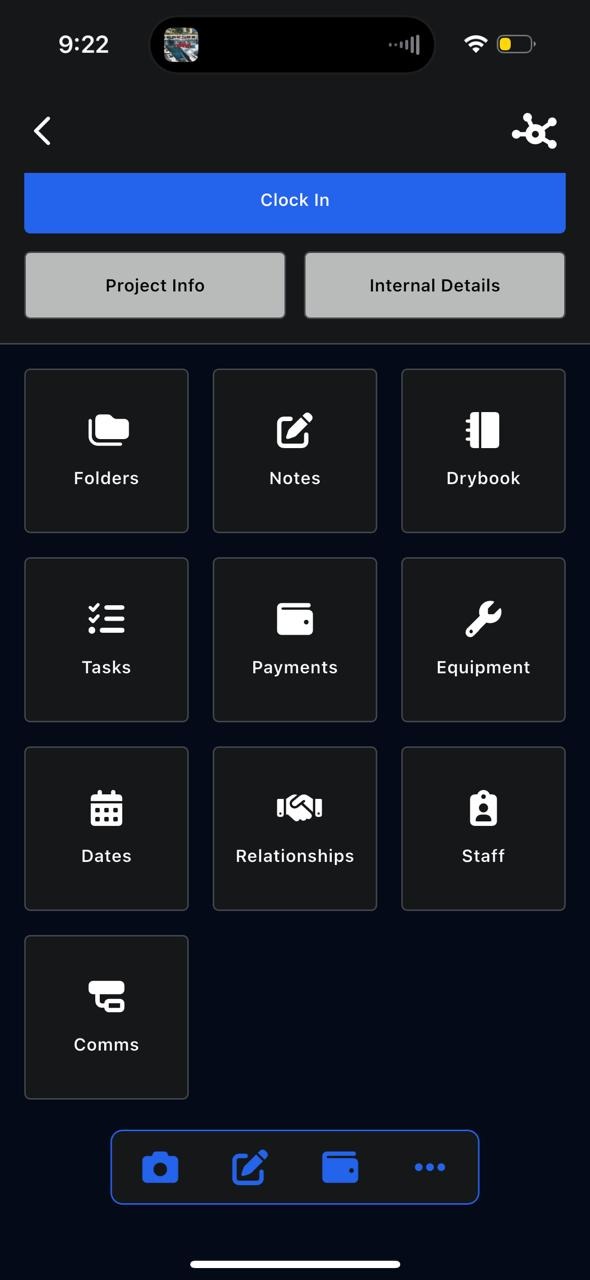
Relationships
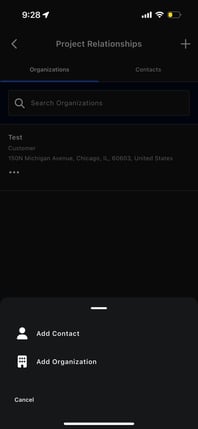
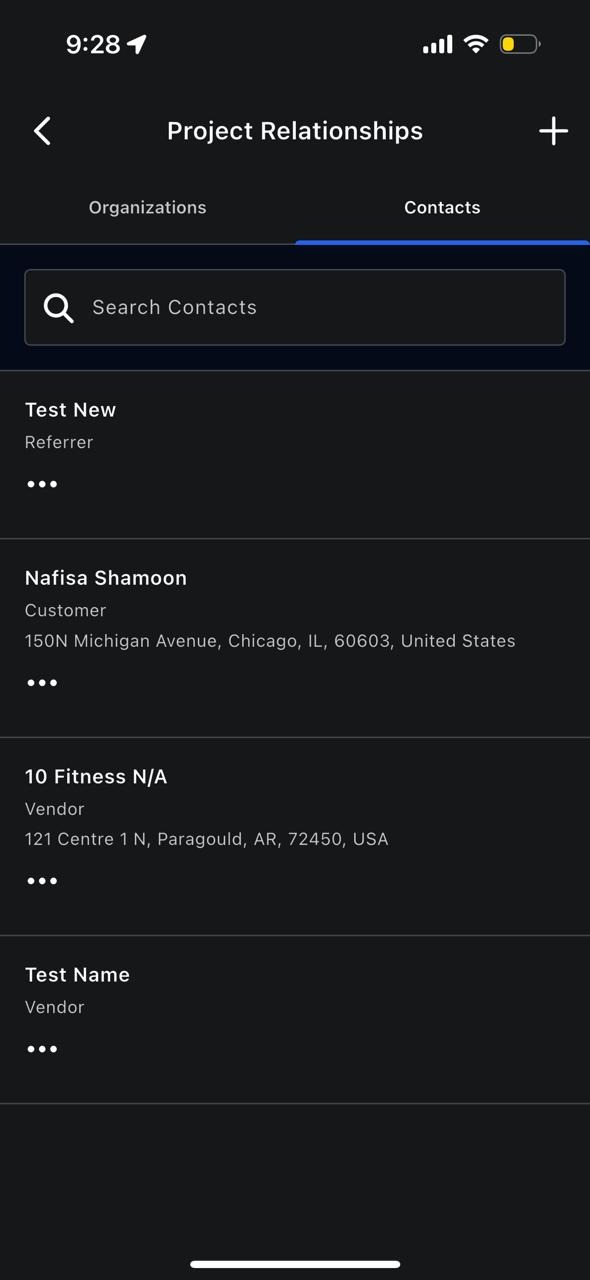
The Relationships section shows all organizations and contacts connected to the project.
 .
.  .
. 
This includes:
- Customers
- Vendors
- Referrers
- Other related organizations or contacts
You can:
- View existing relationships
- Add existing contacts or organizations using the Add + button
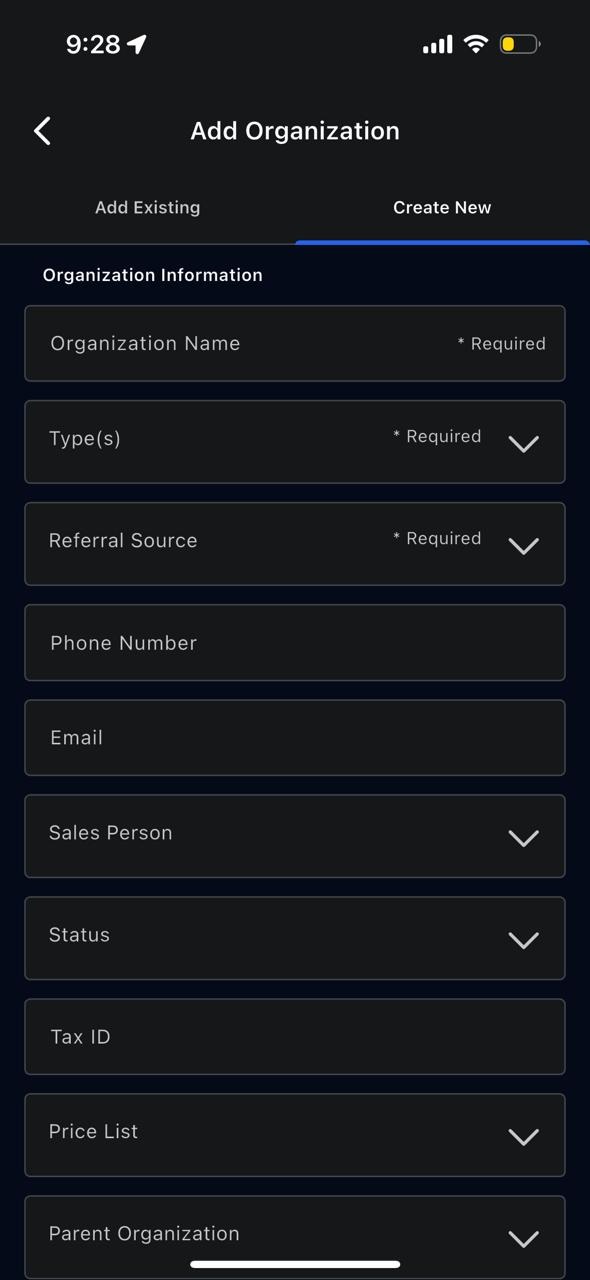
- Create new contacts or organizations directly from this section