
Project Tasks
In the Project Tasks section, you can Add New Tasks for the project—anything your team needs to complete during the job.
Examples include: Complete Estimate, Check for Referral, Collect Signatures, Take Photos, Write Estimate
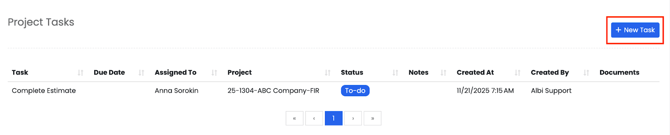
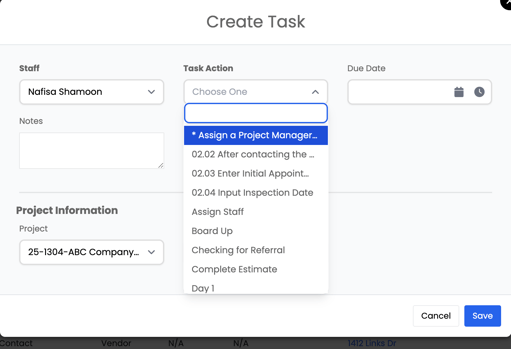
You can add due dates, notes, and link tasks to other project details.
Tasks help keep your team on track and ensure important steps are not missed.
Linked Projects
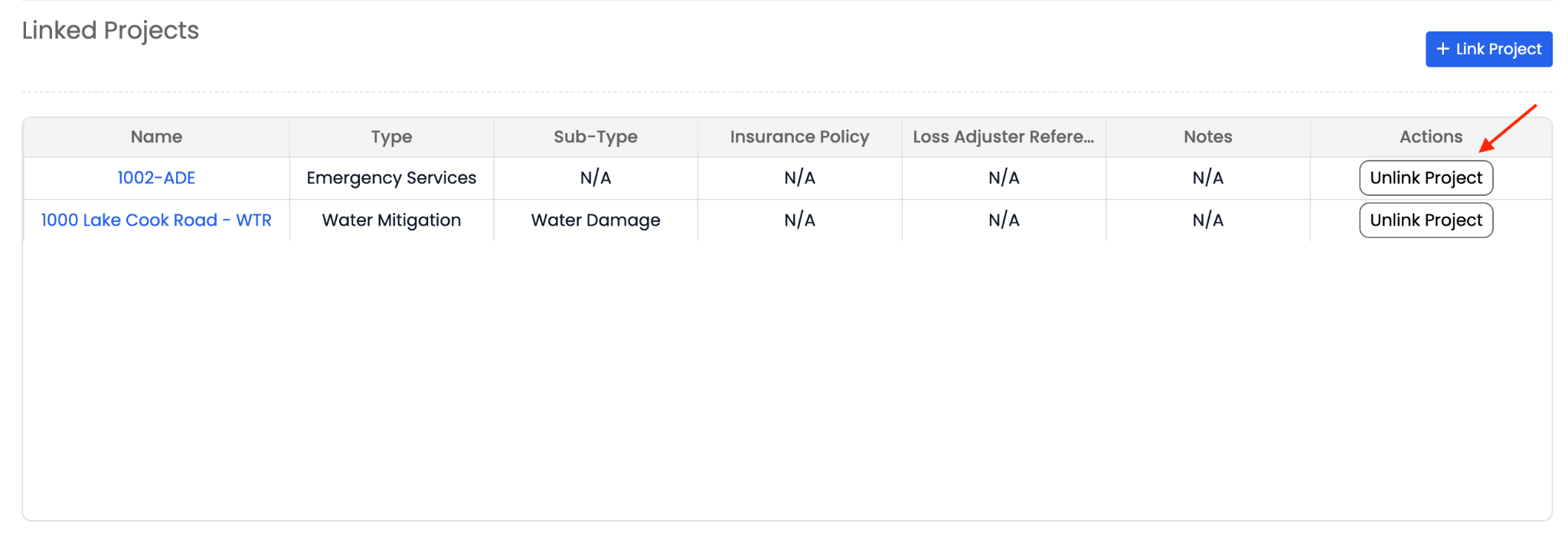
The Linked Projects section allows you to link one project to another.

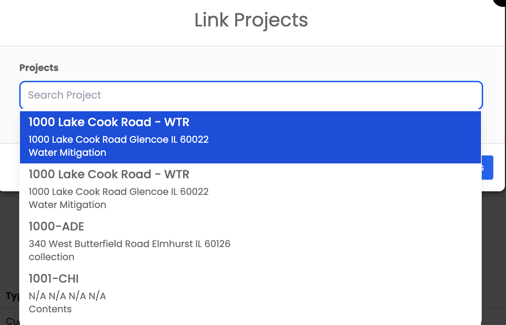
This is used when two projects are related — for example:
- A mitigation project linked to a reconstruction project
- A commercial job with multiple units
- A fire job followed by contents cleaning
You can link multiple projects together when they are related (for example, mitigation, contents, and reconstruction jobs tied to the same property).
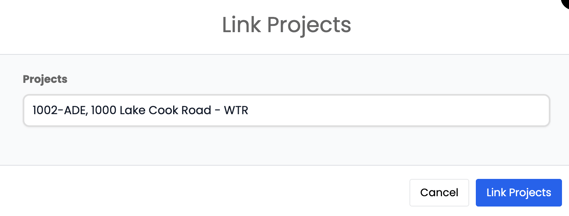
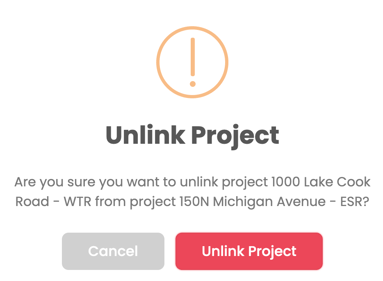
If projects are no longer related, you can also unlink projects at any time. Unlinking removes the connection between the projects but does not delete or change any project data.
Linking projects helps your team keep connected jobs organized and easy to navigate.