
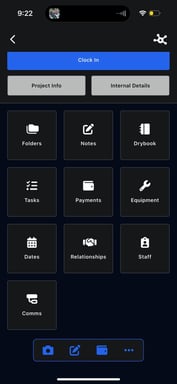
Inside each project, there are 10 main sections that let you manage every part of the job.
Click on Dates
The Dates section tracks all important project-related dates.
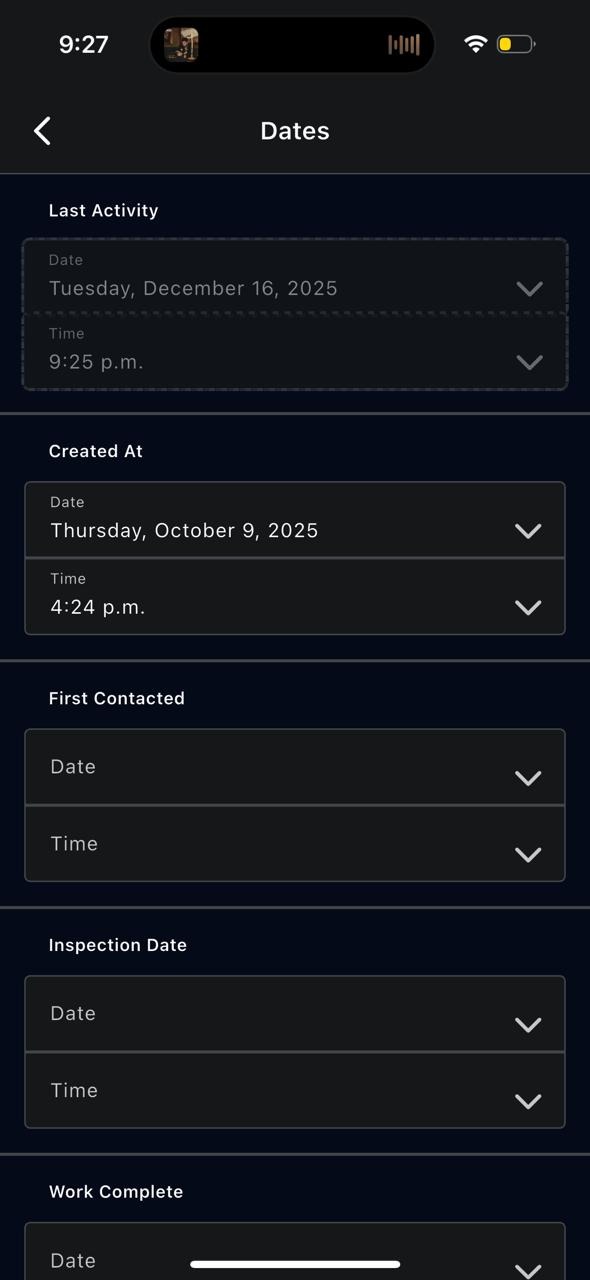
This can include:
- Created date
- First contacted
- Inspection date
- Work completed date
You can add or update date and time information to keep the project timeline accurate.