
Filtering & Searching Calls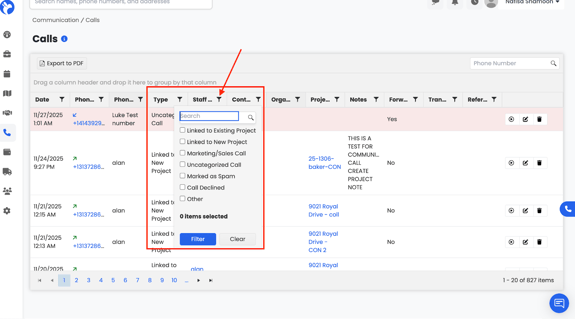
You can filter the call list using the filter icons at the top of each column:
- Date
- Phone Number
- Type of Call
- Staff Member
- Organization
- Project
- Notes
- Referral
You can also search a phone number directly using the search bar on the top-right.
Export Calls as PDF
At the top of the page, click Export to PDF.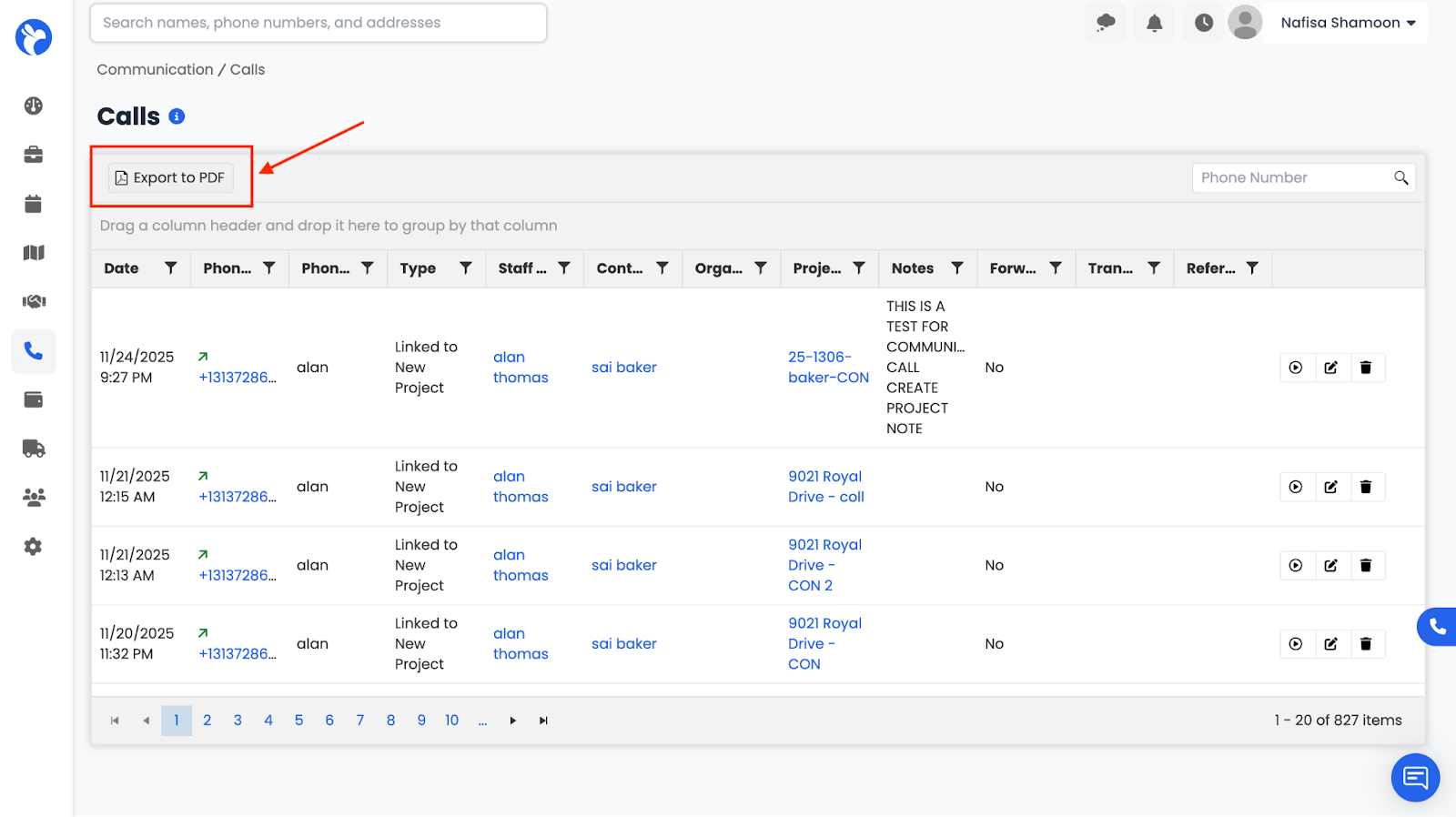
This downloads a full copy of your call log based on active filters.