-
Go to Projects
-
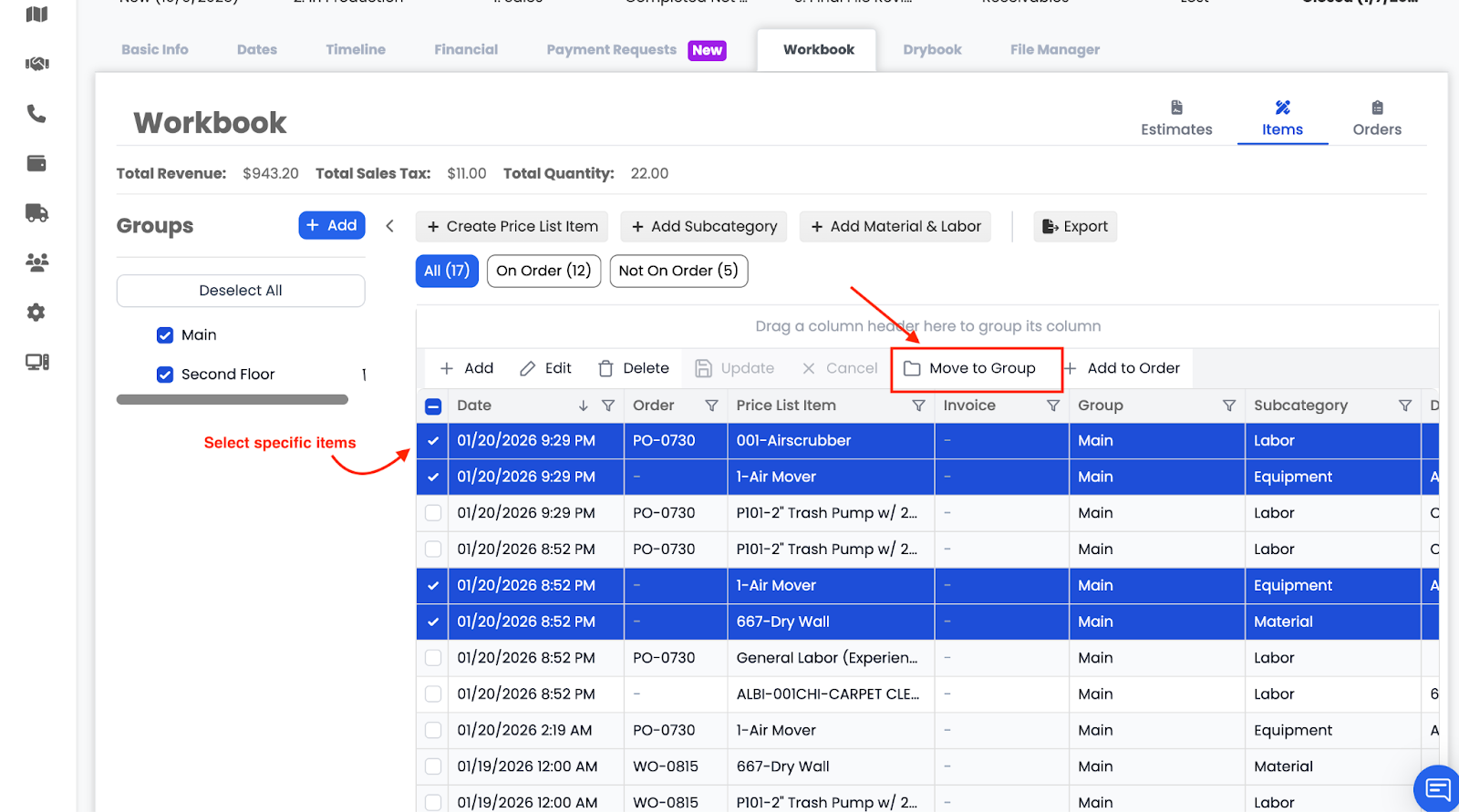
Go to Workbook -> Items
Editing and Deleting
- Items can be edited only if they are not part of an order
- If an item is on an order, it cannot be edited or deleted
- After editing, click Update to save or Cancel to discard changes
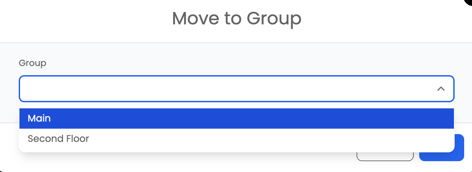
Moving Items Between Groups
You can select one or multiple items and move them into a different group using the group selector.