Column Customization
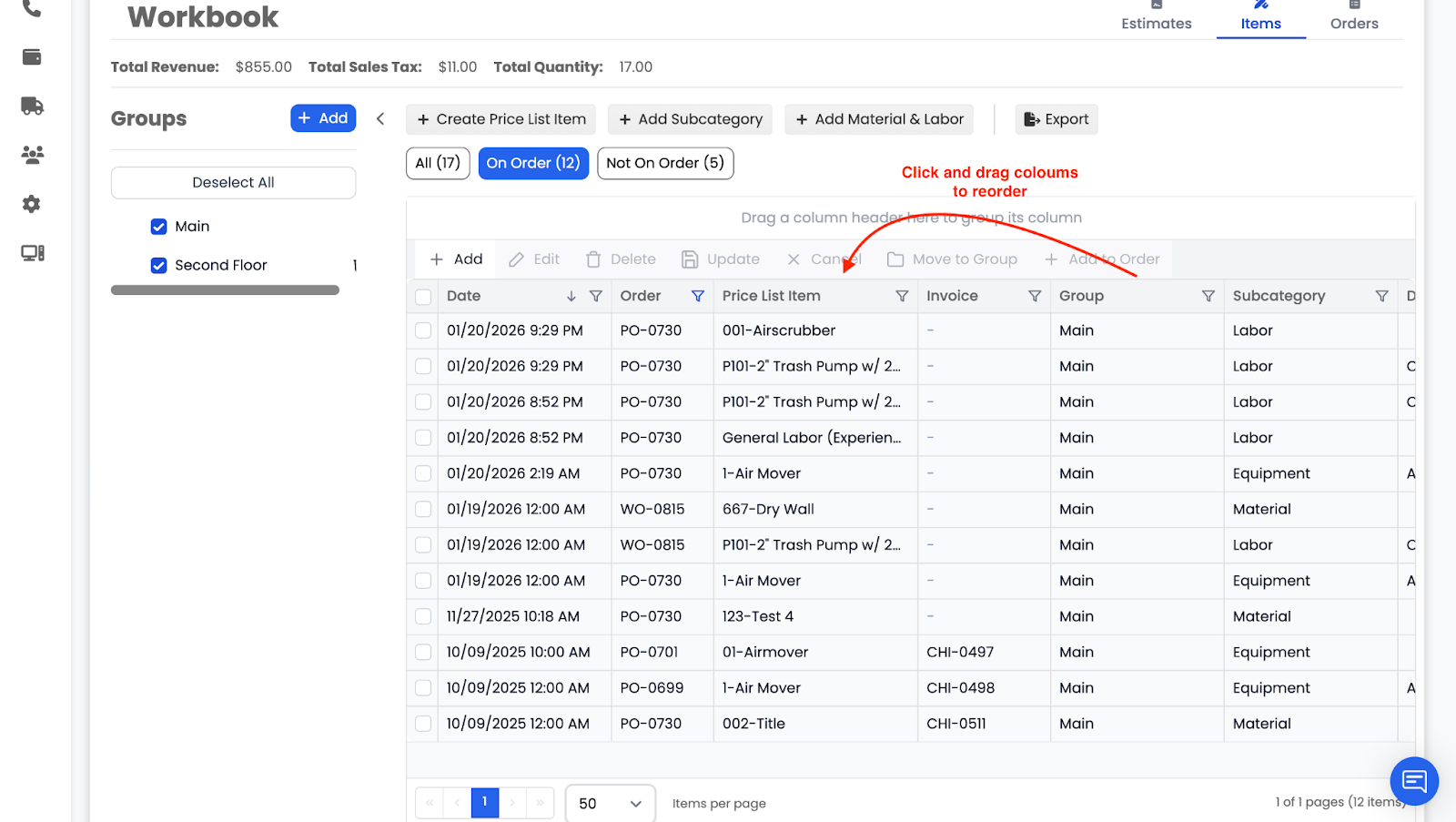
You can now reorder columns in the Items list:
- Drag columns into any order you prefer (for example, moving Invoice to the front)
- Column order is saved per user
- The layout is retained across projects for that user
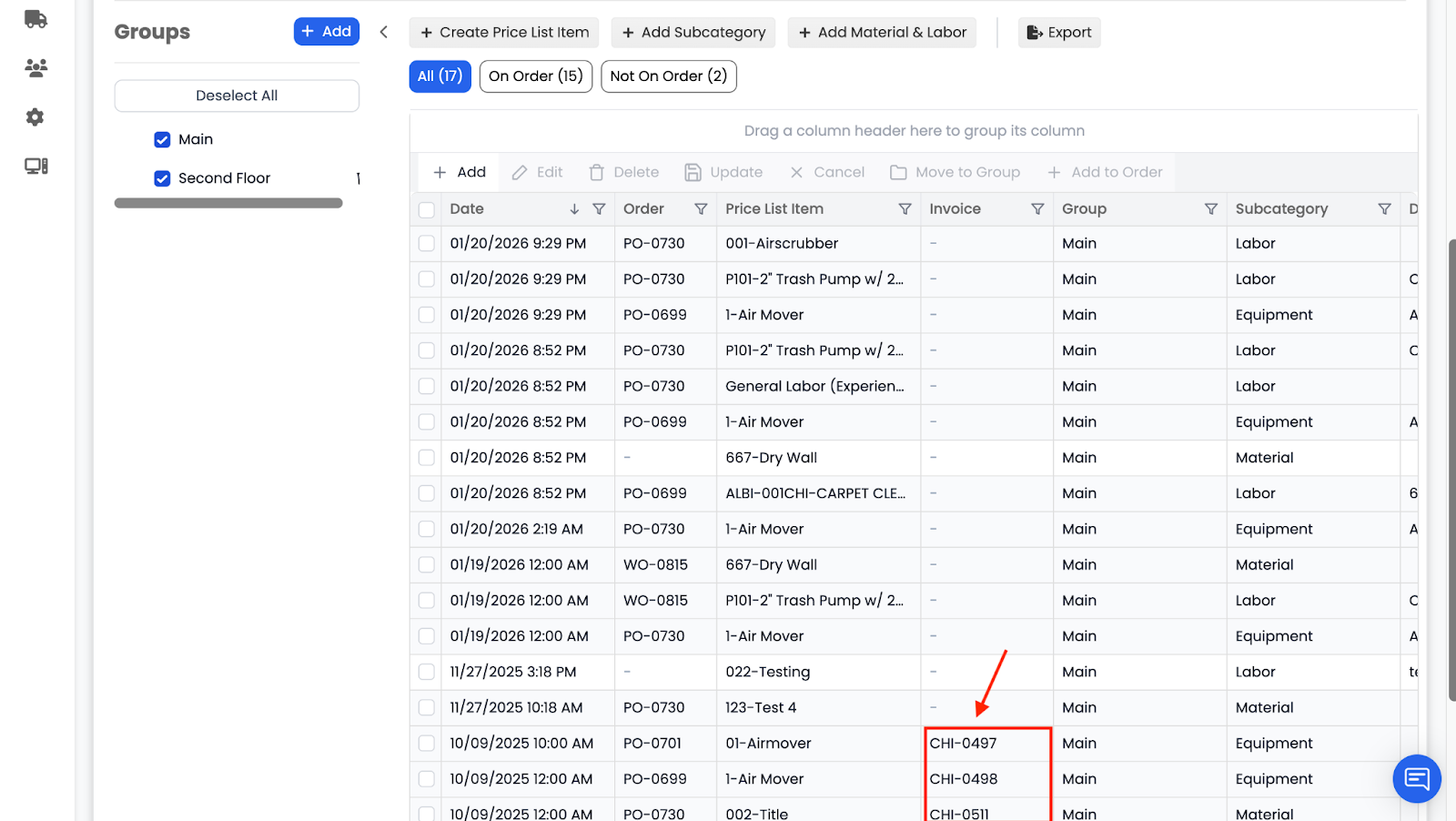
Invoice Linking
Items can now be linked to invoices:
- The Invoice column displays the invoice name the item is associated with
- This helps track item-to-invoice relationships directly from the Items tab