Templates are being migrated to Snippets (Learn More)
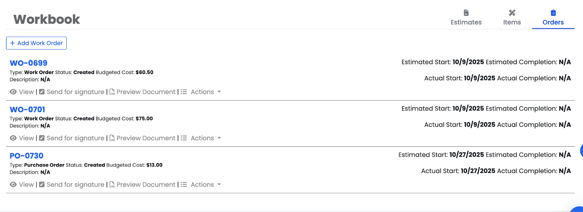
How to Access and Create Work Orders or Purchase Orders
You can also manage your Work Orders and Purchase Orders from the Workbook or Finance tab within a project.
To create a Work Order:
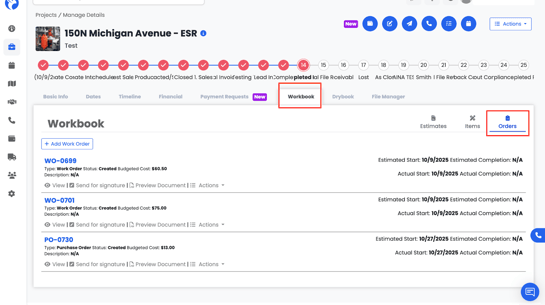
- Go to the Projects tab and open your project.
- Click on the Workbook tab and navigate to Orders
3. Select Add Work Order.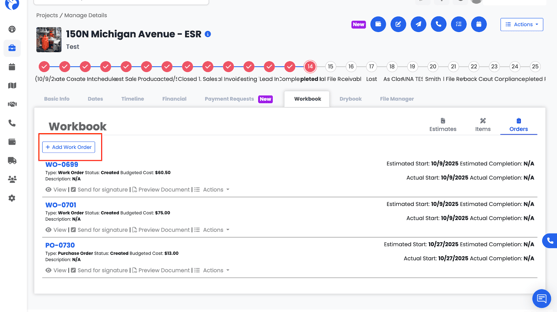
4. The Create Order form will open — fill out the required details.
5. Once done, click Preview Document to review it.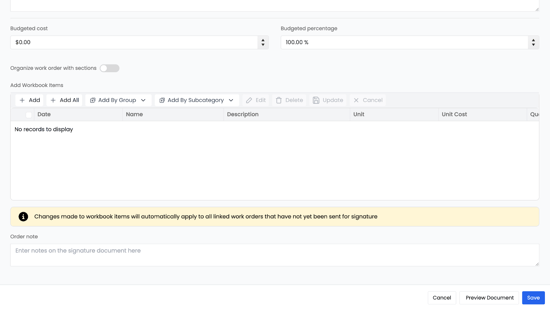
6. Click Save Document to store it in your project records.
7. The following document will look like: 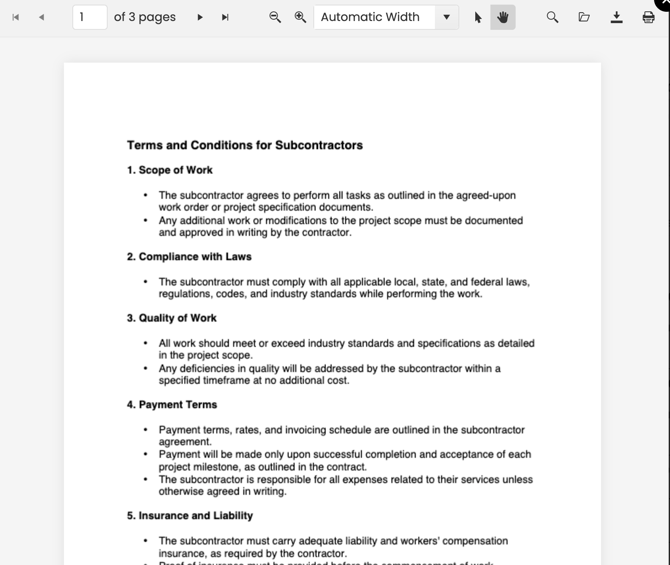
Your new Work Order or Purchase Order will appear in the Workbook → Orders section, where you can access and preview it anytime.