
Templates are being migrated to Snippets (Learn More)
How to Access and Create Estimates
To create and view Estimates in Albi:
- Go to the Projects tab from the main menu.
- Open the project where you want to add an estimate.
- Click on the Workbook tab and click on Estimates
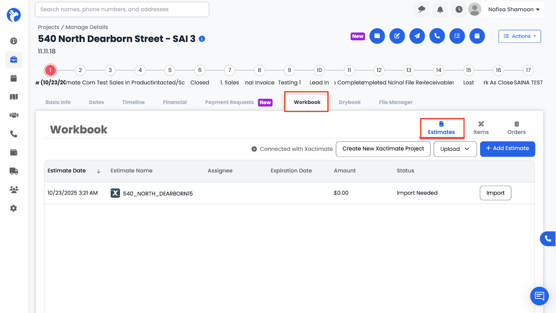
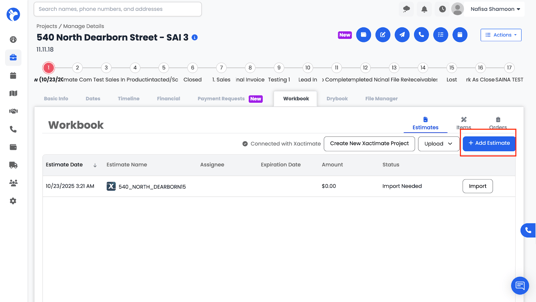
4. Click Add Estimate.
5. An Add Estimate form will appear, where you can include your Intro File and Closing File.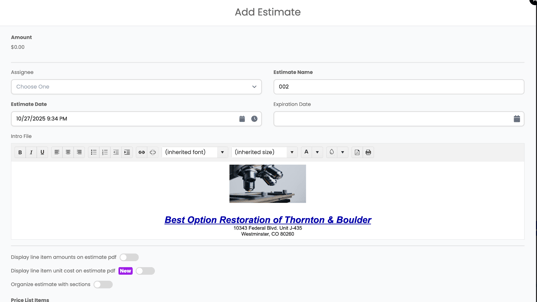
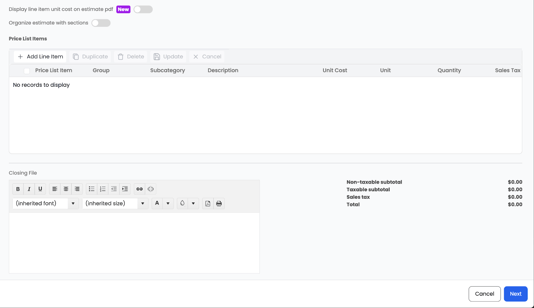
7. Once saved, your estimate will appear in the Workbook → Estimates section.
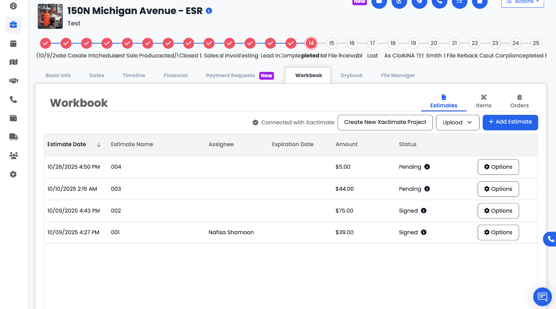
8. You can click Options to View or Edit the estimate — this will reopen the estimate form for updates.
You can also choose Send for Signature directly from this section when the estimate is ready.