
The Tasks section allows you to assign work items to staff members and view all existing tasks related to the project in one place.
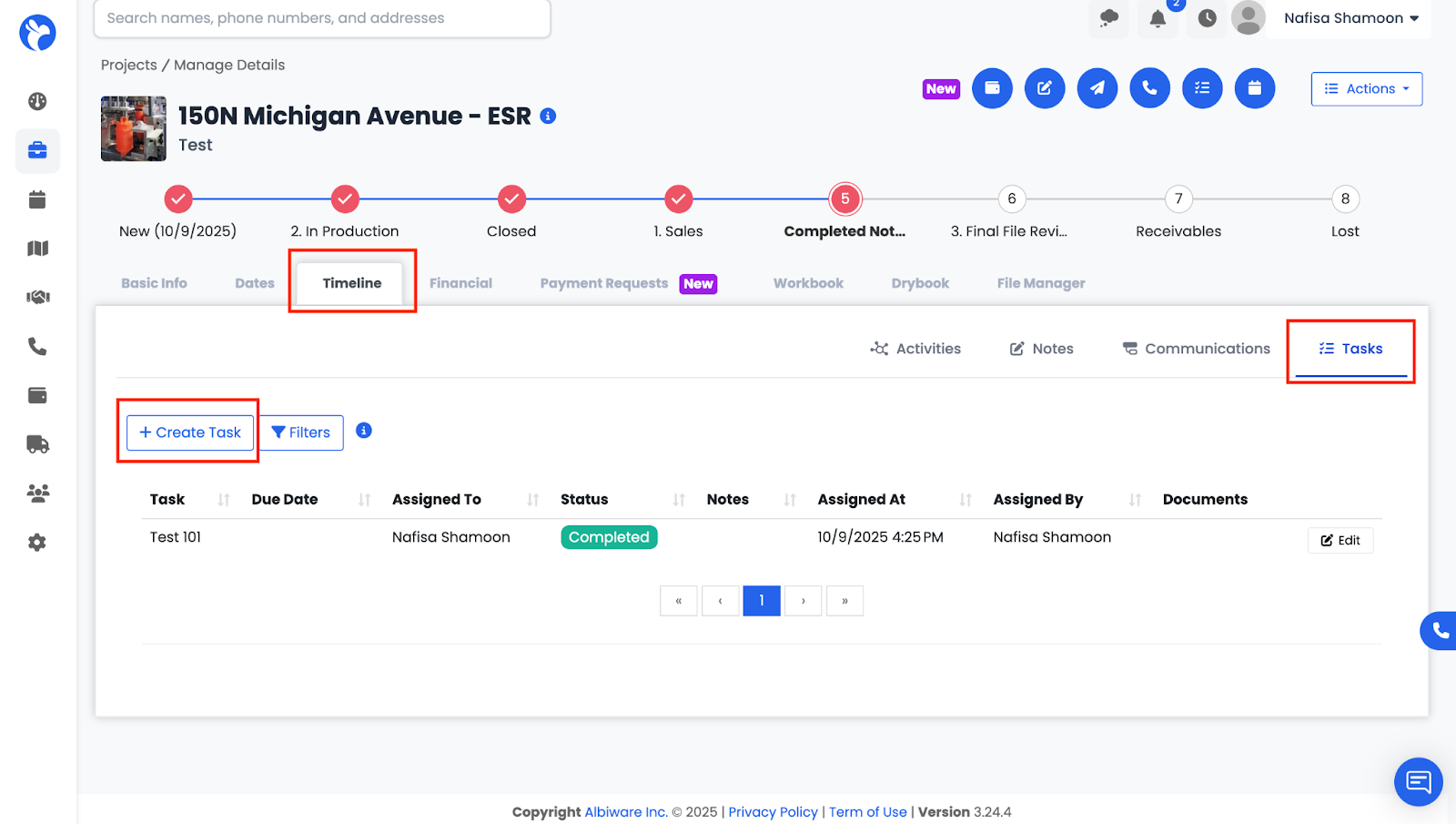
Here you can:
- Create new tasks
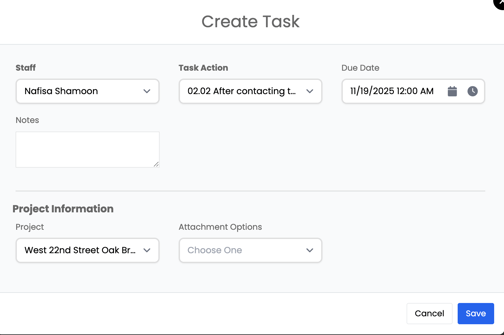
- Assign tasks to one or multiple staff members
- Choose a Task Action from the dropdown (such as Take Photos, Complete Estimate, Check Referral, Collect Signatures)
- Add due dates
- Add notes or details
- Mark tasks Complete
- Edit or delete tasks as needed
Tasks keep the project organized and ensure everyone knows what needs to be done and by when.