
Moisture Content Material Types
The Moisture Content Material Types section allows you to define and manage the different types of materials used for moisture readings in restoration projects. This helps your team standardize how moisture data is recorded and reported across all jobs.
Note: This section is specific to DryBook and is only used for moisture tracking within DryBook-related workflows.
In this section, you can create material types such as:
- Drywall
- Hardwood Flooring
- Carpet
- Concrete
- Subfloor
Each material type can be customized to align with your company’s testing and documentation standards.
How to Create Moisture Material Content Types?
To add a new material type:
- Go to Settings → Project Settings → Moisture Content Material Types.
- Click the Add (+) button in the top-right corner.
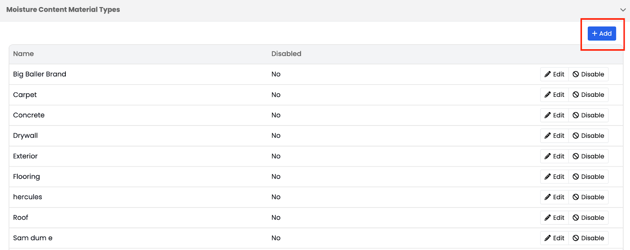
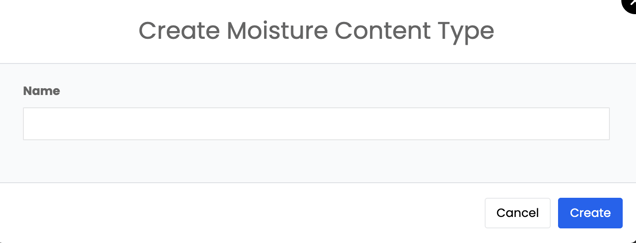
You can also edit or disable existing material types based on your company’s needs.
Setting up your material types ensures that everyone in your organization is using the same standardized options when recording moisture readings — improving accuracy, consistency, and reporting clarity across all projects.