
Lost Causes
The Lost Causes tab under Project Settings lets you record and manage the reasons why a project was marked as lost. This helps you track trends, analyze performance, and understand where potential opportunities were missed.
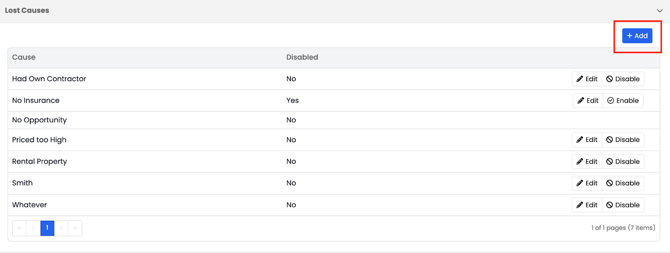
To add a new lost cause:
- Click the Add button in the top-right corner.
- Enter the name of your reason (for example, No Insurance or Budget Constraints).
- Click Save to add it.
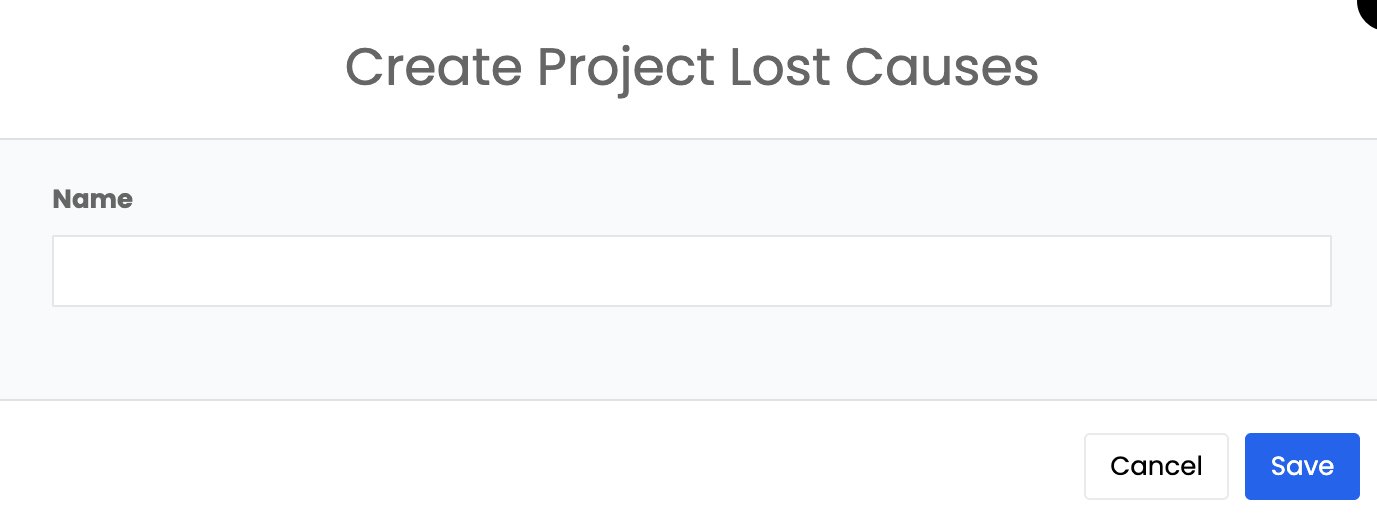
Once saved, your new reason will appear in the list and can be selected anytime a project is marked as a Lost Cause.
You can also edit or disable any reason as needed to keep your list relevant to your company’s process.