
Templates are now being Migrated to Snippets (Learn More)
How to Create a New Template
To create a new template, click Add in the Templates section.
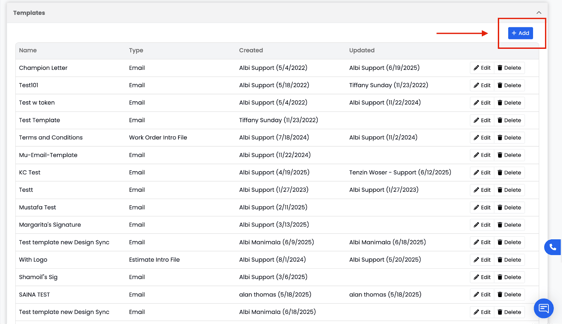
This will open a form where you can build your template and choose the Type of template you want to create.
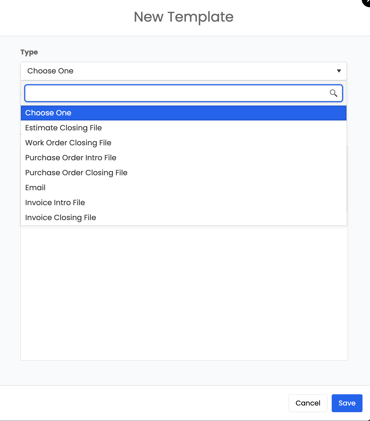
- Type of Template: Choose the type from the drop-down menu: Estimate, Invoice, Work Order, Purchase Order, etc.
- Template Name: Give your template a clear, recognizable name so it’s easy to find later.
- Template Content: Write the body of your template. You can include any text, links, or information relevant to that template type.
Once you’ve finished, click Save to add your new template to the list. It will now be available for use when creating activities or sending emails in Albi.
Note:
There is no limit to how many Email Templates you can create in Albi.
This differs from other types of templates such as Invoices, Work Orders, Purchase Orders, etc, which may have limits.