
Create New Price List Item
-
Go to Projects
-
Go to Workbook -> Items
-
Click " Create a Price List Item"
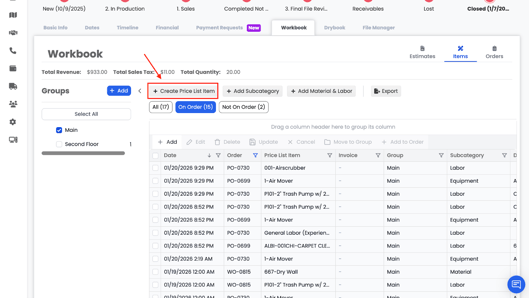
Within the Items tab, you can also create new Price List items.
Required fields include:
- Code (required)
- Item Name / Title (required)
- Price List selection
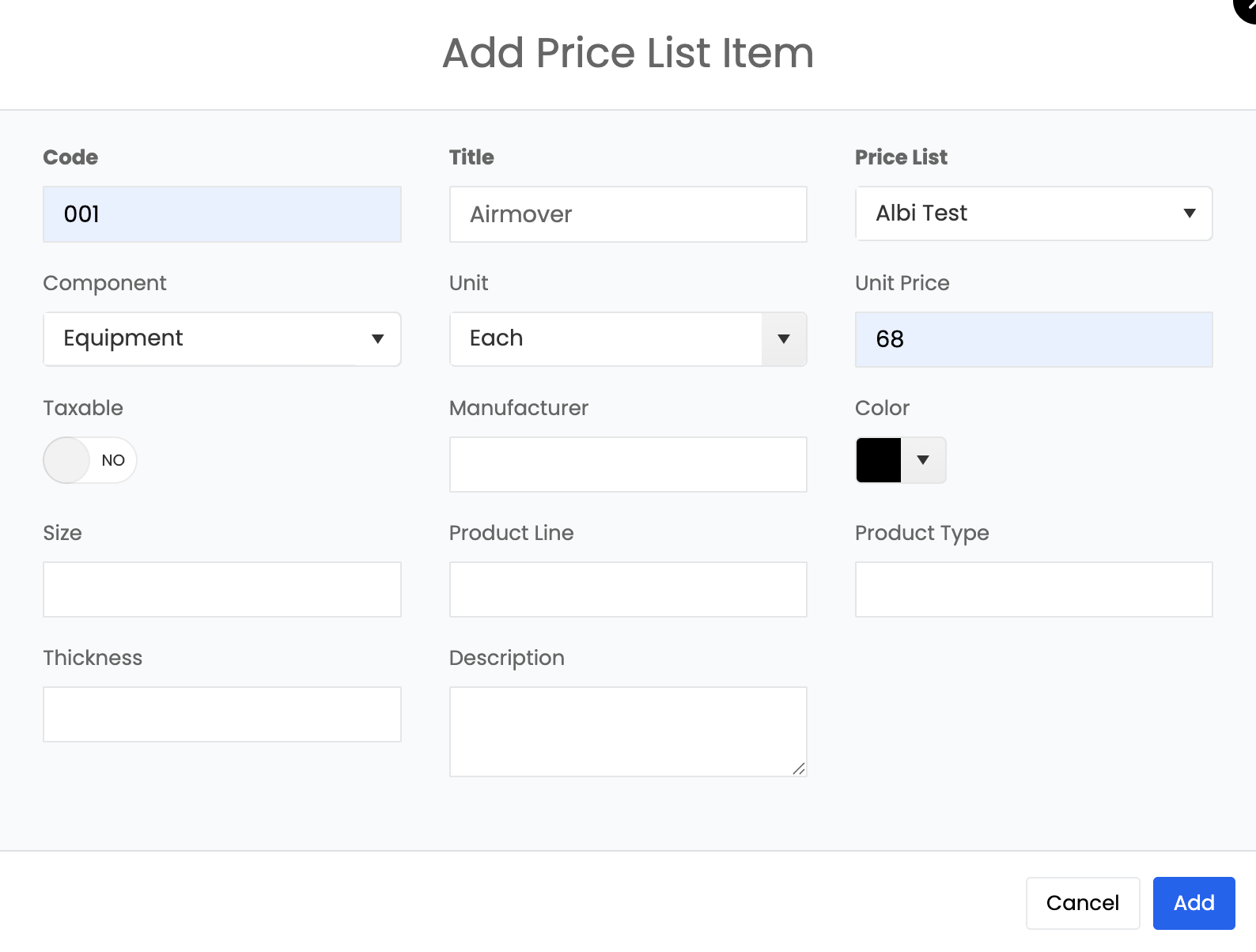
These items are added directly into your company’s Price List and can be used across all projects.