
How to Add Items to a Price List
You can add individual price list items manually:
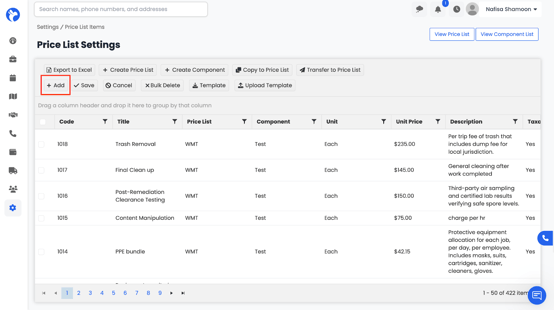
- Click the Add button
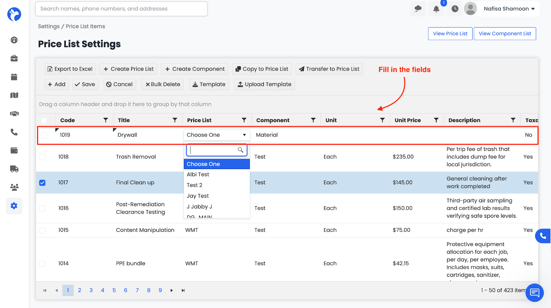
All required fields:
-
Code
-
Title / Item Name
-
Price List (select which list it belongs to),
- Component (Labor, Material, Equipment, etc.),
- Unit (hour, sq ft, each, etc.),
-
Unit Price
-
Description
-
Taxable yes/no
Click Save to add the item to your Price List.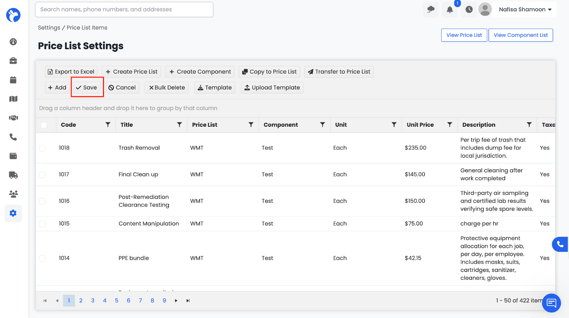
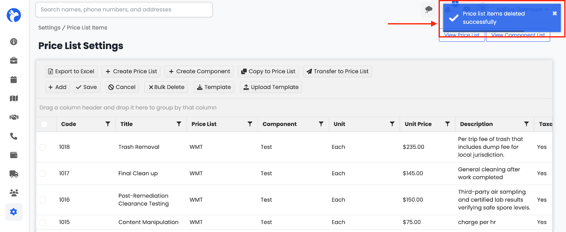
You may also cancel the form using the Cancel button.