
Add Equipment
From the Basic Information tab, you can also add equipment to the project.
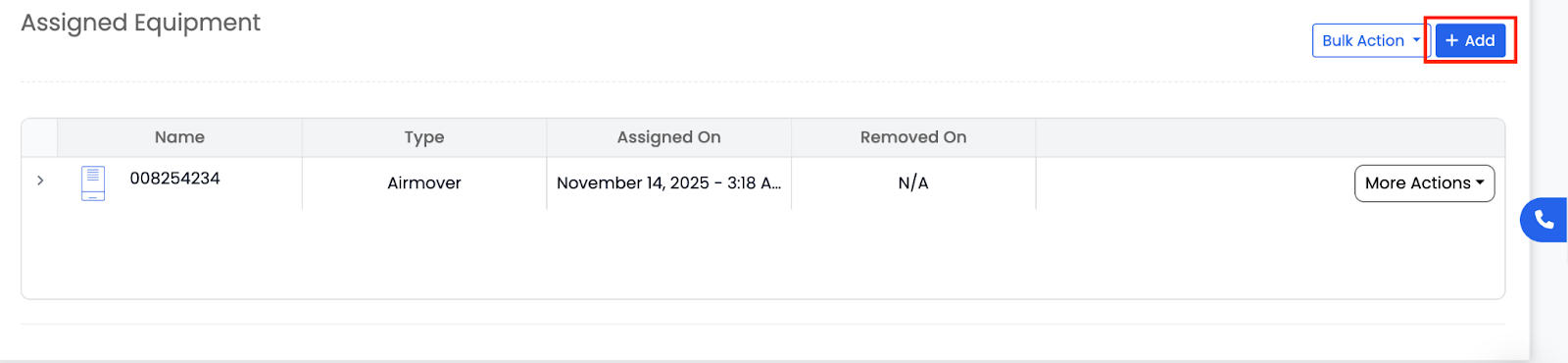
This includes items such as: Air Movers, Dehumidifiers, Air Scrubbers, Water Extractors, etc.
You can add equipment manually or pull it from your existing Equipment Dashboard.
Bulk Actions
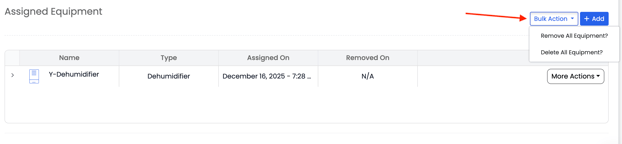
Using Bulk Actions, you can remove or delete all equipment from a project at once. This is helpful when equipment was added by mistake or needs to be cleared before reassigning it elsewhere.
More Actions
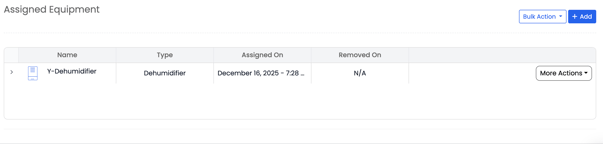
Each piece of assigned equipment includes a More Actions (⋯) button. When you click this button, you can Move, Remove, or Delete that specific equipment from the project.
-
Move Equipment opens a pop-up form where you can move the equipment to a different chamber or room within the project.
-
While moving equipment, Albiware also displays equipment recommendations based on the selected space.
-
Click Move to confirm, and the equipment will be reassigned to the new chamber or room.
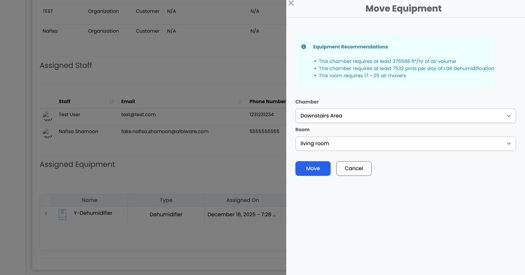
This makes it easy to adjust equipment placement without removing or re-adding items.