
Relationships (Contacts & Organizations)
Under Relationships, you can connect the project to the appropriate contacts and organizations.
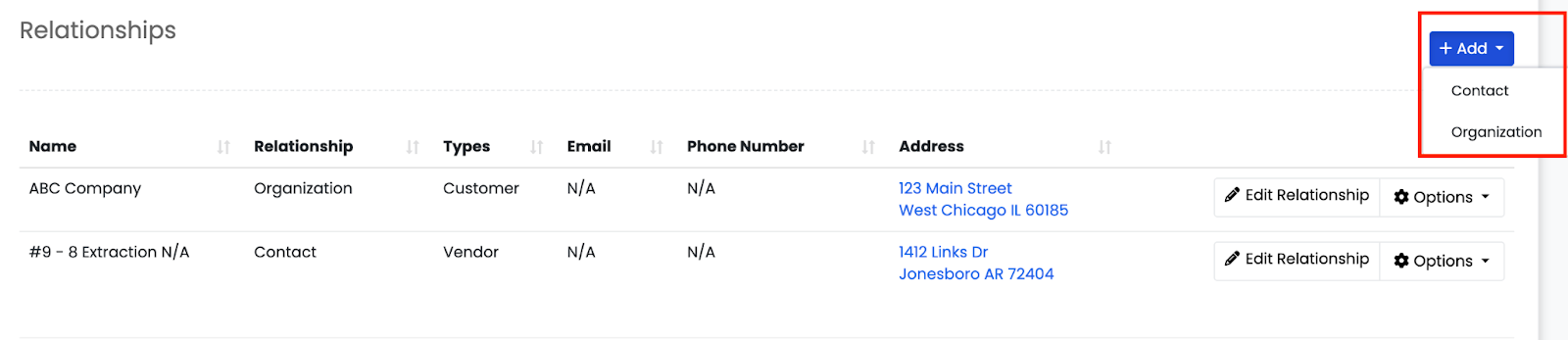 You can click Add and choose either:
- Contact
You can:
- Add an existing contact from your database, OR
- Click New to open a Create Contact form and save a brand-new contact to the system
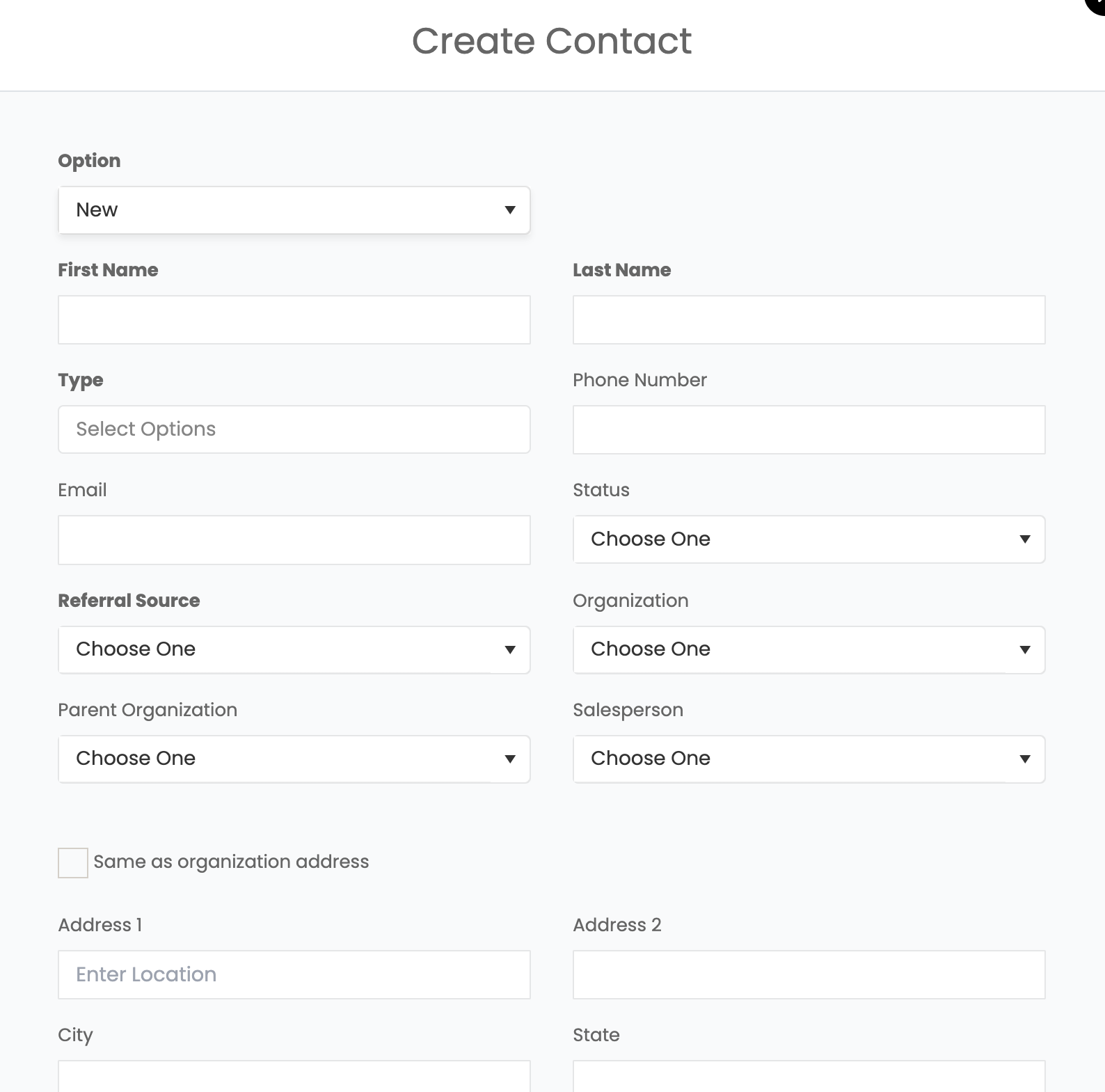
Relationship types include: Customer, Estimator, Homeowner, Vendor etc.
2. Organization
You can:
- Add an existing organization, OR
- Click New Organization to create one from scratch
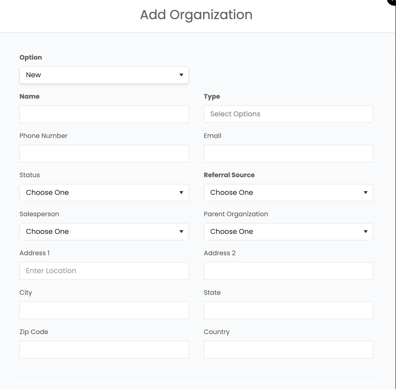
This links the project to relevant property managers, insurance companies, plumbers, marketers, etc.