
The Notes section is where your team can manually write notes regarding the project. These can include updates, reminders, documentation findings, customer interactions, or internal communication not meant for the client.
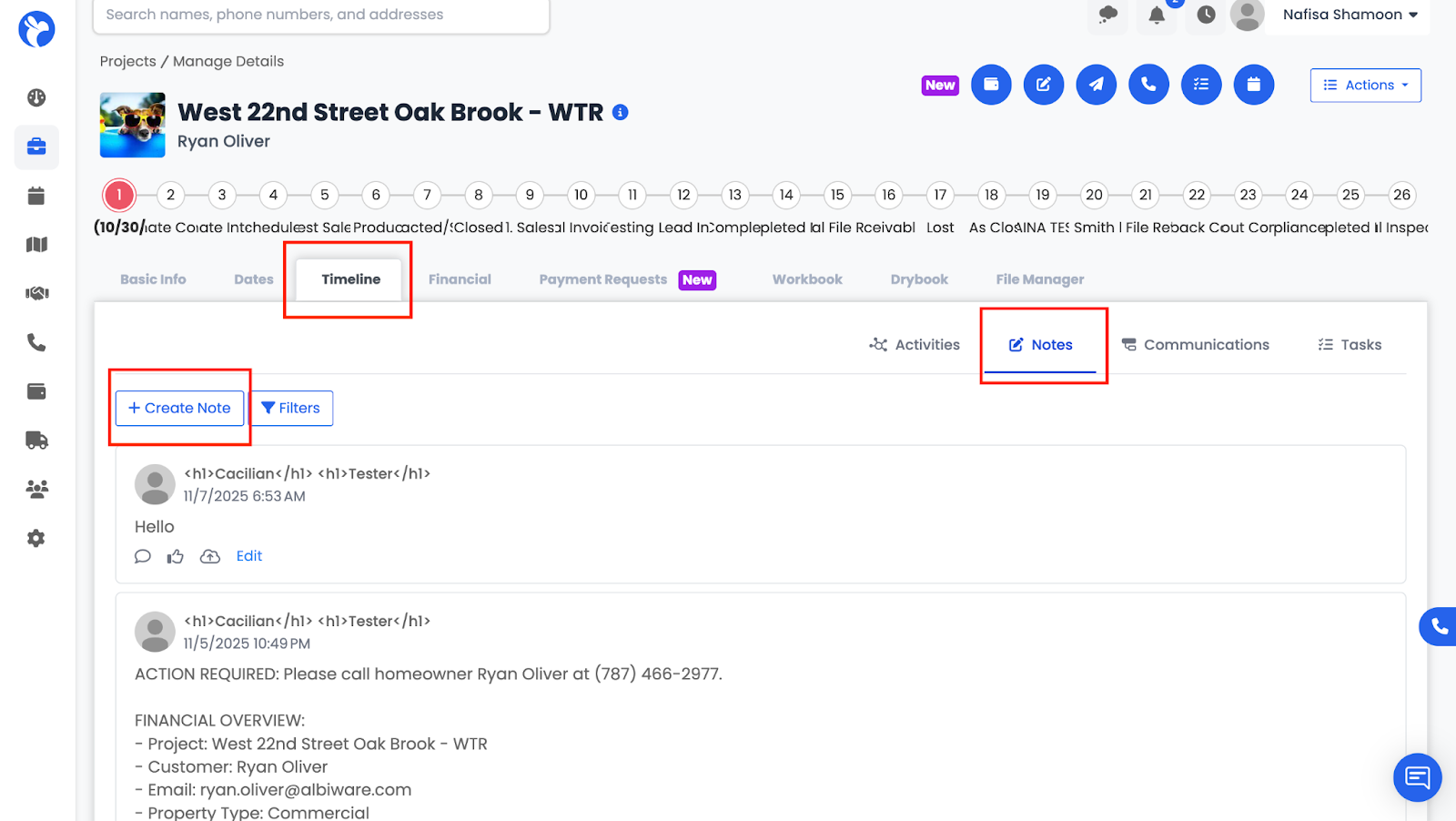
Adding a Note:
- Click Create Note.
- Type your note into the form.
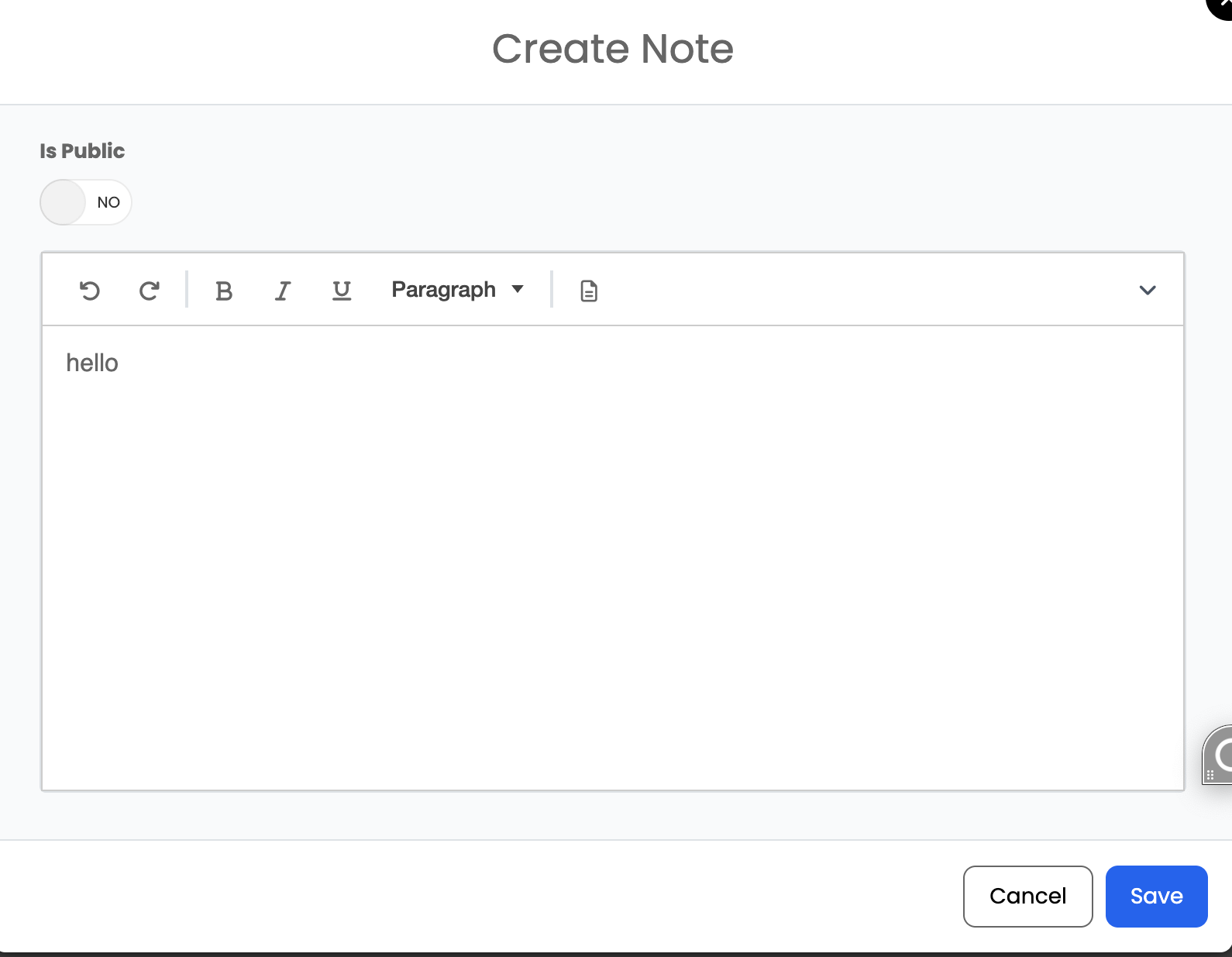
- Save it to add it to the timeline.
📘 Note: Staff members can be tagged in notes, allowing them to receive notifications and stay informed about important updates.
Snippets Support:
You can use Snippets here by typing “#” to quickly insert pre-made note templates, helping maintain consistency and save time.