
How to Access Company Settings
To access your Company Settings in Albiware:
- Go to the Settings tab from the left-hand menu.
- Under the Software section, select Company Settings.
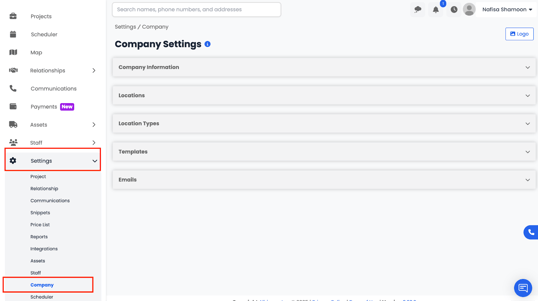
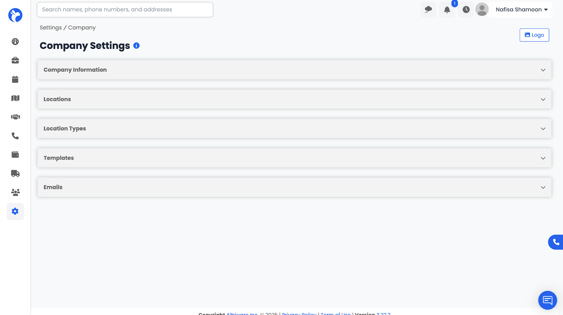
From here, you can configure all company-related details such as basic information, office locations, and default templates — ensuring your Albi account is customized to your organization’s structure and communication preferences.
Company Information
The Company Information card displays your company’s core details, including:
- Company Name
- Website
- Address
- Phone Number
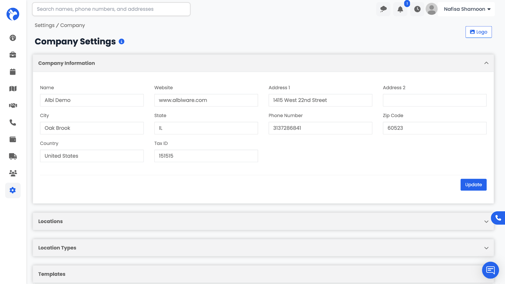
This section serves as your company profile within Albi. You can edit this information at any time to keep your records up to date.