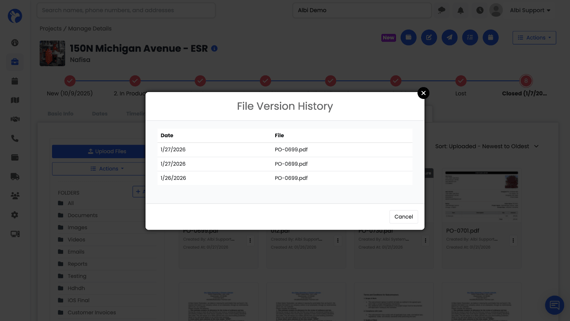
File Version History
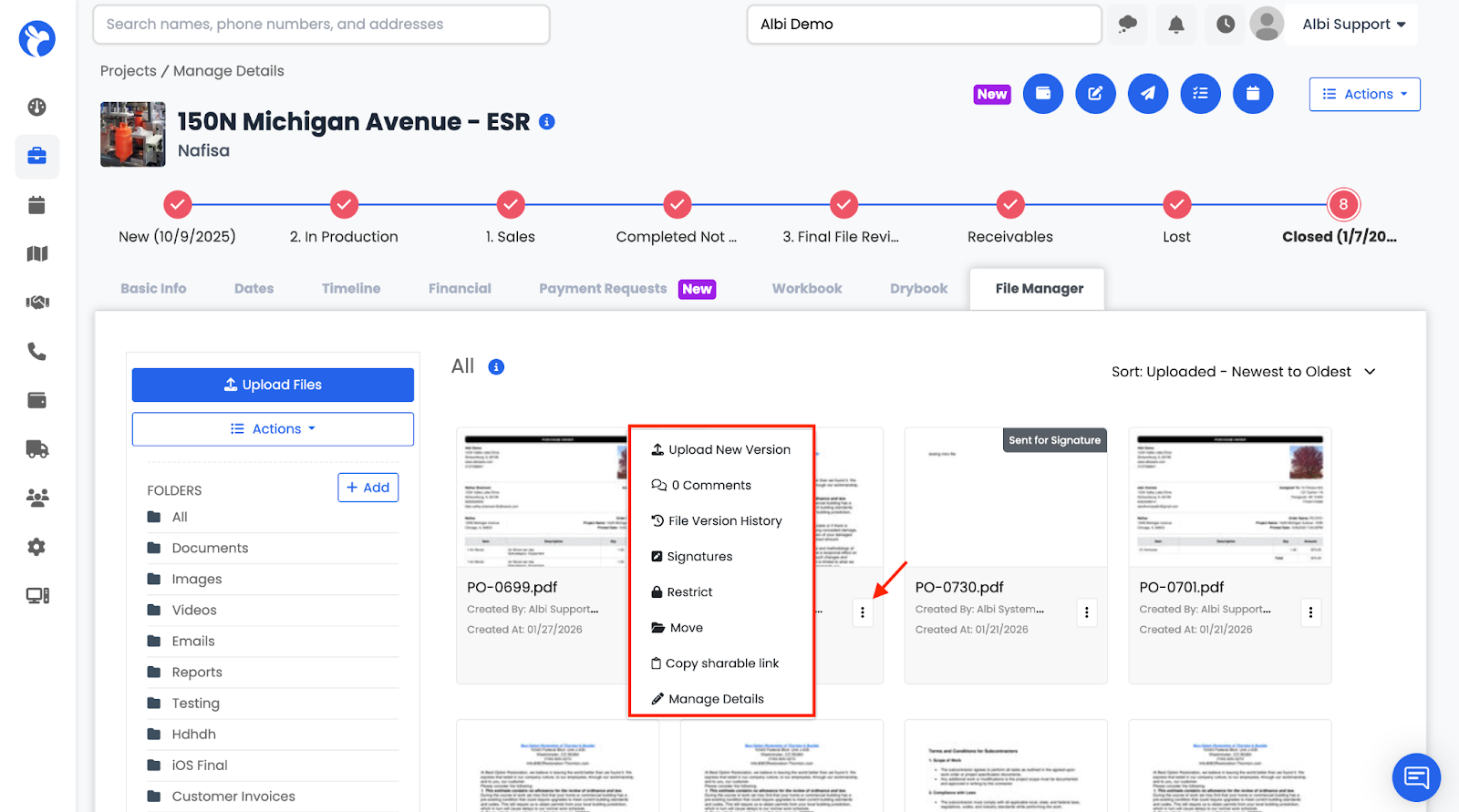
Each file includes a three-dot (⋯) menu that provides access to file-specific actions.
-
Go to the File Manager
- click the three dots next to the file
- Select File Version History
Shows when the file was updated or changed.
Examples:
- File edited
- File signed
Each update creates a new timestamp in the version history.