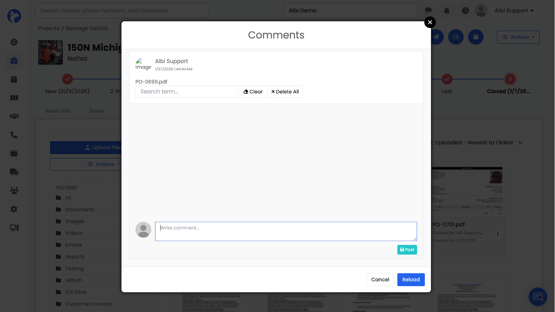
Comments allow you to add internal notes to a file for team collaboration.
You can:
- Add comments to a file
- Reply to existing comments
- @mention other staff members to notify them
- Like comments
- Delete your comments
When you @mention a staff member, they will receive a notification (bell icon).
Additional notes:
- The Reload option simply refreshes the comment list
- The three-dot (⋯) menu shows a comment count, so you can quickly see how many comments are on a document
- Comments are internal only and are not shared externally