
Activity
The Activity tab allows you to define different activity types that track interactions with your contacts or organizations. These can include meetings, calls, or follow-ups — helping your team log communication efficiently.
Examples of activity types include: Appointment, Phone Call, Follow-Up, Lunch and Learn, or Send Letter.
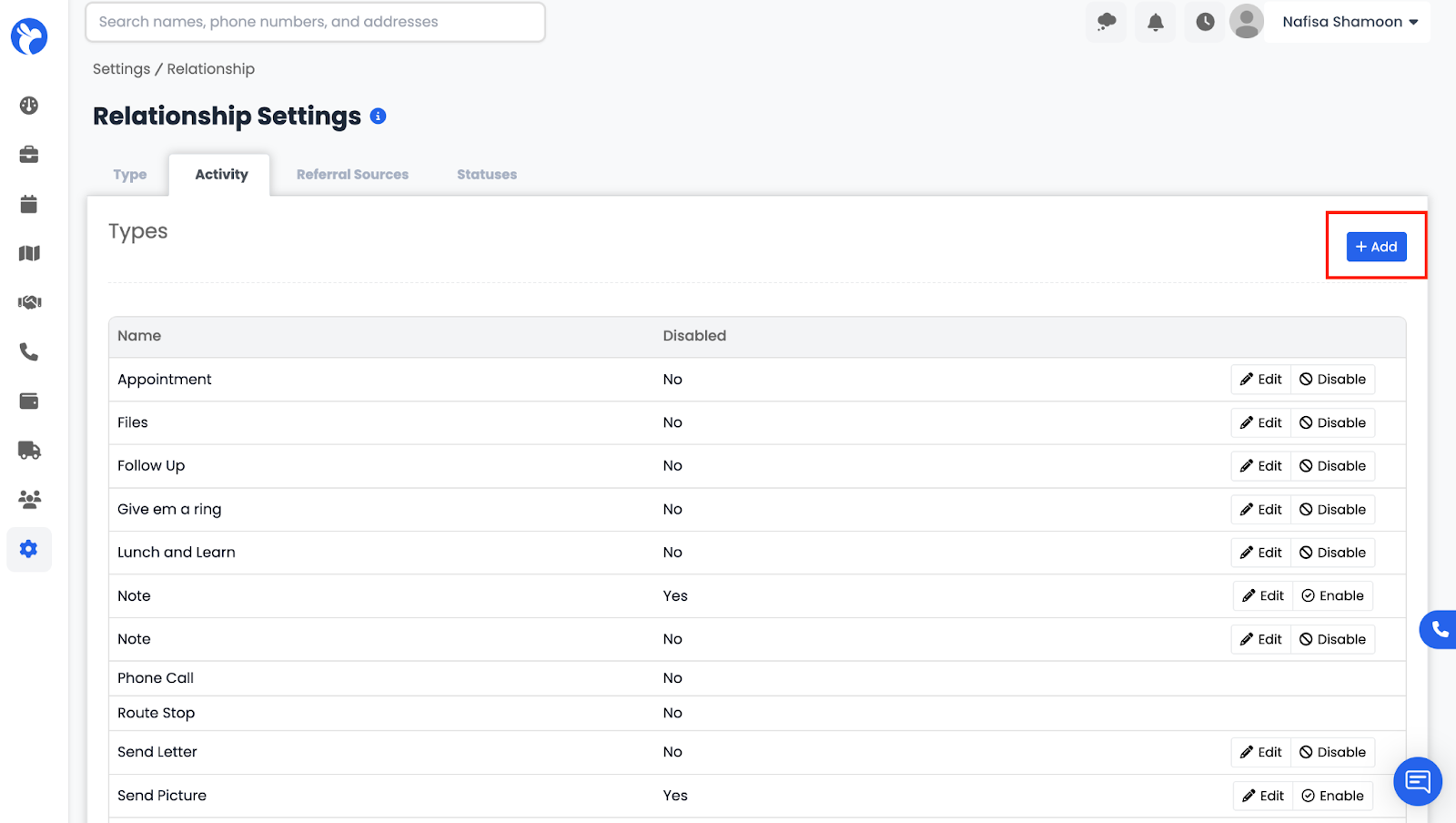
To add a new activity type:
- Click the Add (+) button in the top-right corner.
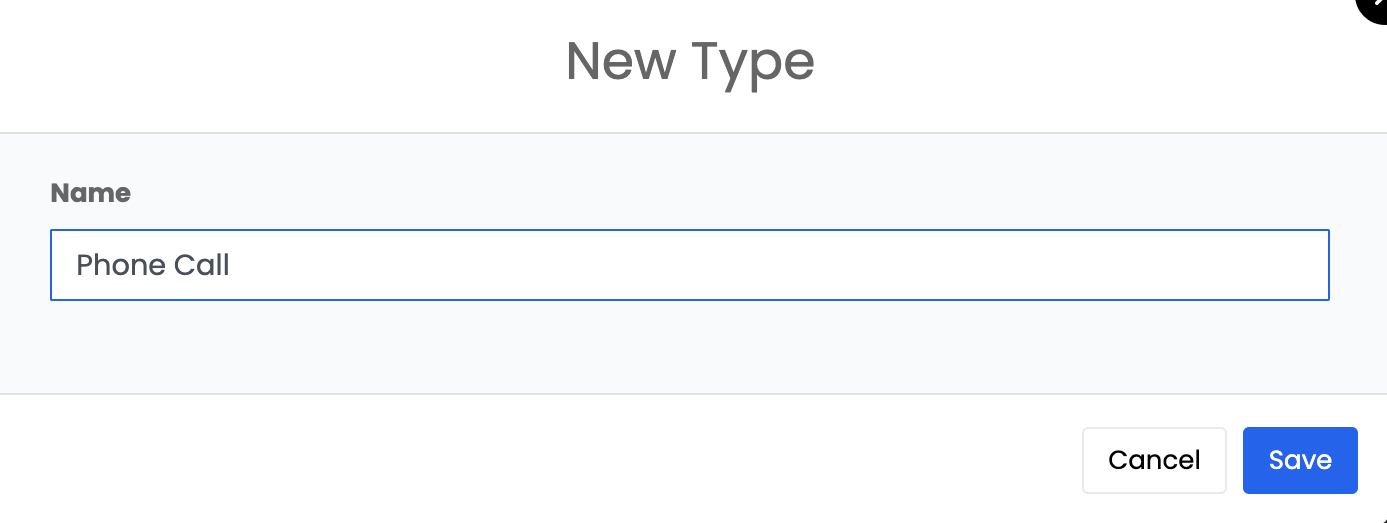
- Enter the Name of the activity.
You can also edit, enable, or disable activity types as needed.