
Sending & Tracking Signatures
- Click the file’s ⋯ menu
- Select Signatures
-png-1.png?width=605&height=298&name=Screenshot%202026-03-30%20at%2011-28-30%E2%80%AFAM%20(2)-png-1.png)
After sending:
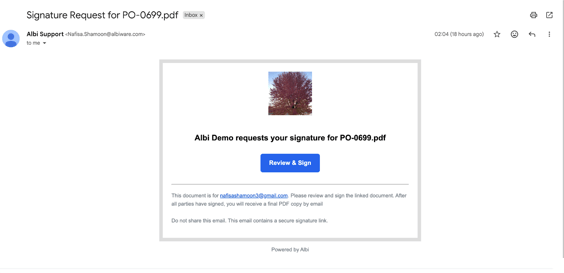
- Recipients receive a secure signing link by email, and both the sender and signer receive a confirmation once the document is sent for signature.
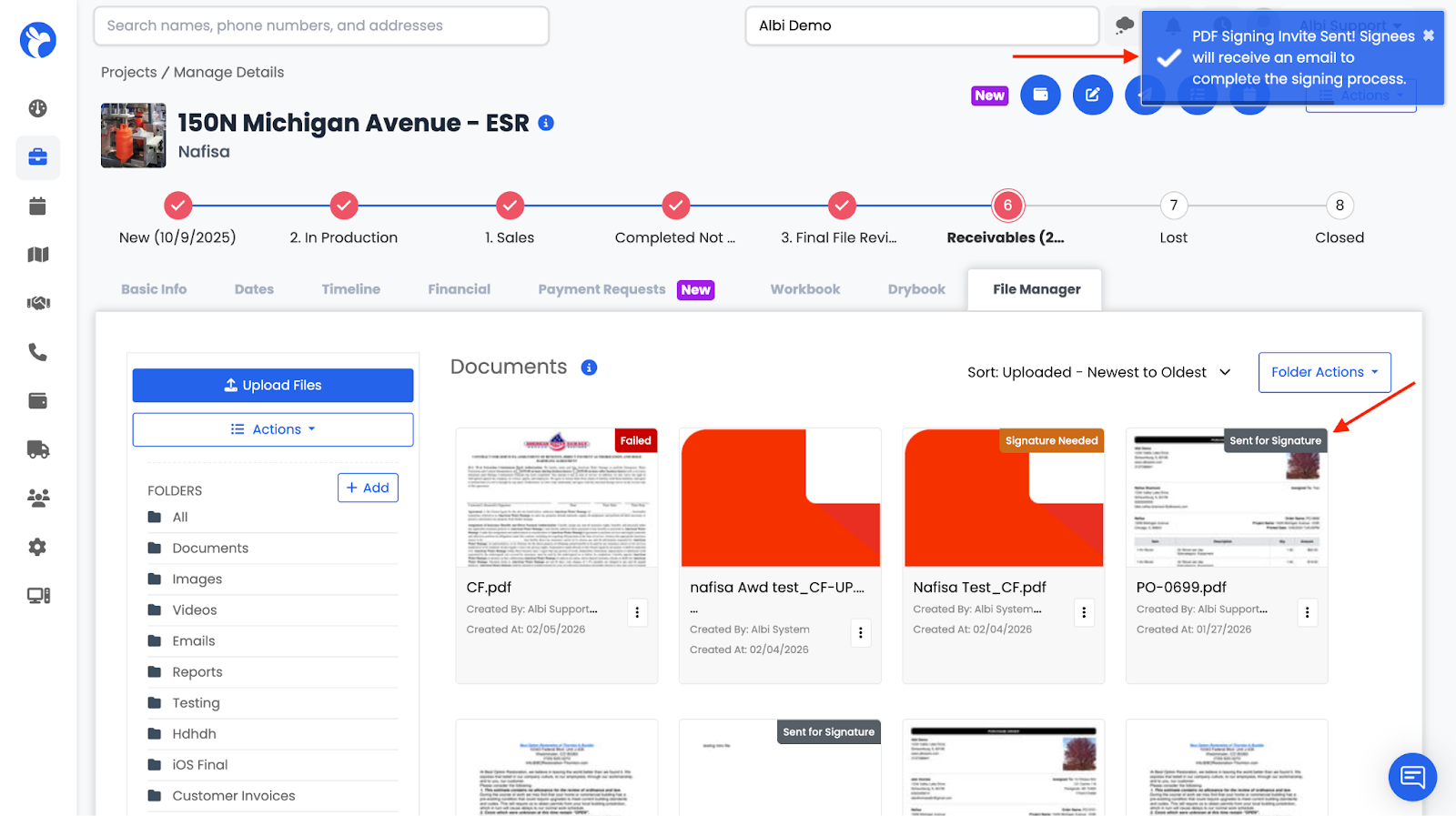
- The file displays Sent for Signature
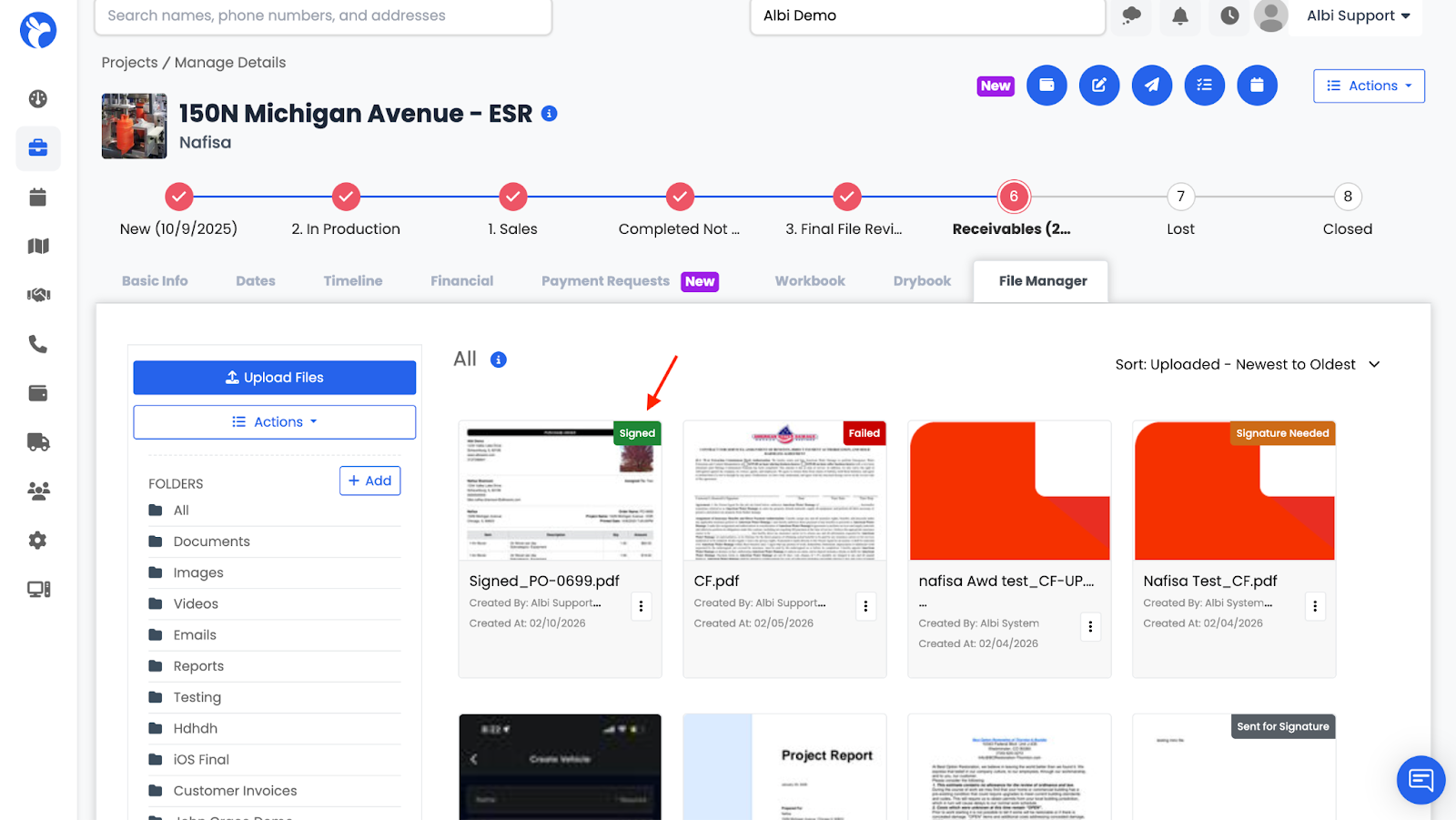
- Once completed, a Signed banner appears
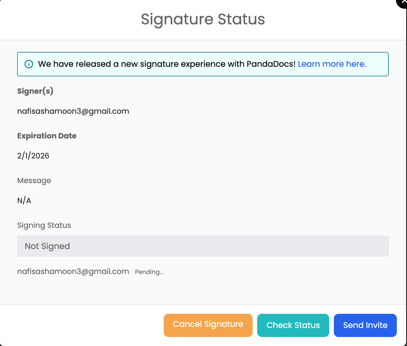
From Signatures, you can:
- Check signing status
- See which signer is pending
- Cancel signature requests
- Resend invitations sends a reminder to signers who have not yet signed.